



Gestures and postures in virtual reality
The good deed, learned by doing it
In the helmet, your trainees get down, grab, carry, turn, and drop off the real thing. Posture XR continuously monitors their posture, records every mistake, and explains it in the report. The trainer monitors everything in real time.
The teaser · 15 seconds · illustration images
Access to the platform
Ready to enter the reserve?
The XR posture opens directly in the browser, without installing anything: the trainees in the headset, the trainer on their computer. Two entry points, one session.
Joining a session
In the headset browser (Meta Quest) or on a PC, open:
https://posture.pro-xr.com- Enter the 4-digit code displayed by your instructor
- Enter your first name, then «Join the session»
- Once the task is loaded, press «Enter VR»
Free training: once you have entered the code for your center, the headset will lock onto it.
Open the XR postureRunning the session
From a computer, log in to your training area:
https://posture.pro-xr.com/formateur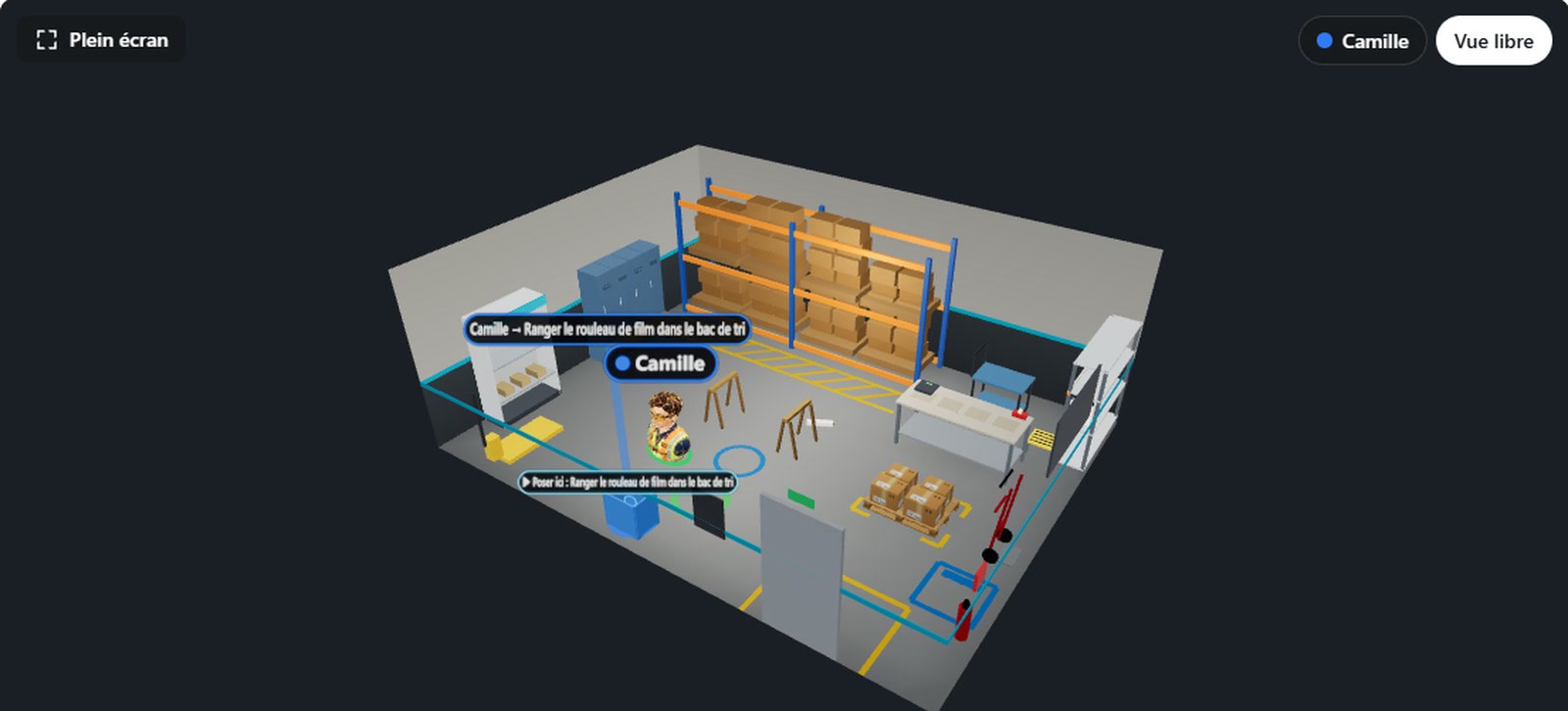
- Open a session: mission, training mode, code for helmets
- Track each trainee in the reserve in 3D, live
- Retrieve the statements, history, and CSV export
IDs are provided with your center's license. Not yet equipped? Request a demo.
Access the dashboardWhy Posture XR
A tool designed for training centers and companies
The prevention of musculoskeletal disorders is learned through the body. The XR posture complements your theoretical knowledge and real exercises: the trainee repeats the gesture, sees what their back is doing, and understands their mistakes.
The gesture is measured, not the click
The trainee does not choose a response; he or she performs the task. The application estimates the bending of his or her back, the bending of his or her legs, the distance of the load, and the twist.
With bare hands, just like in real life
A carton is gripped with both hands, palms on the sides. No trigger to learn: the hands are free, the posture is more correct.
True errors, without real consequences
We let the trainee make a mistake: round back, twisting, carrying too heavy load alone. The mistake is classified as a serious fault or forgetfulness, reported and explained in the report.
He sees what his back is doing
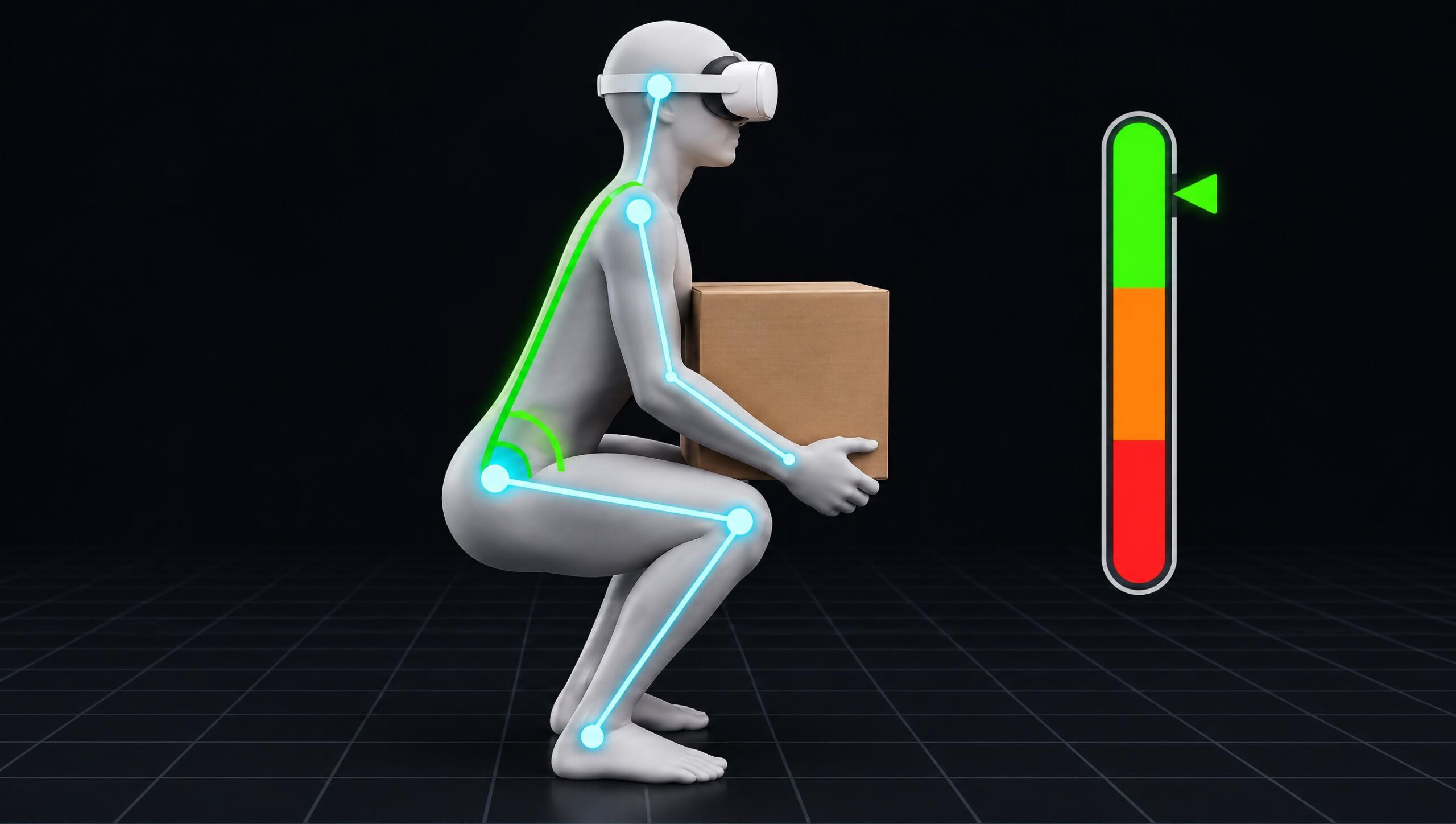
A green, orange or red «back» gauge during the mission, then at the debriefing, a summary of his posture: bending legs, leaning back, time spent in each area.
The trainer keeps the hand
Live 3D view: each avatar leans as the trainee does and changes the color of their posture. Micro, messages, pause, results.
Nothing to install
The XR posture opens in the headset’s browser. A four-digit code, a first name, and the trainee join the session.
The heart of the product
The trainee's posture, analyzed continuously
A few seconds of calibration at the beginning (standing upright, then arms extended), and the application follows the gesture from start to finish.
- Shoulder or legs: Does the trainee lean forward, or does he or she bend down by bending the legs?
- Held close to the body, or held by the arm
- Torque under load: turn with your feet, not with your back
- Taken in two hands, symmetrical
- Pick-up and drop-off height
- Adjustable thresholds by the trainer, with an adapted mode
This is an educational estimate, not a biomechanical measurement or a medical diagnosis.
A typical session
From calibration to balance, in just a few minutes
Short missions, lasting between 5 and 10 minutes. The wrist-mounted tablet displays the step, the instruction, and the «back» gauge; a card explains each validated gesture.
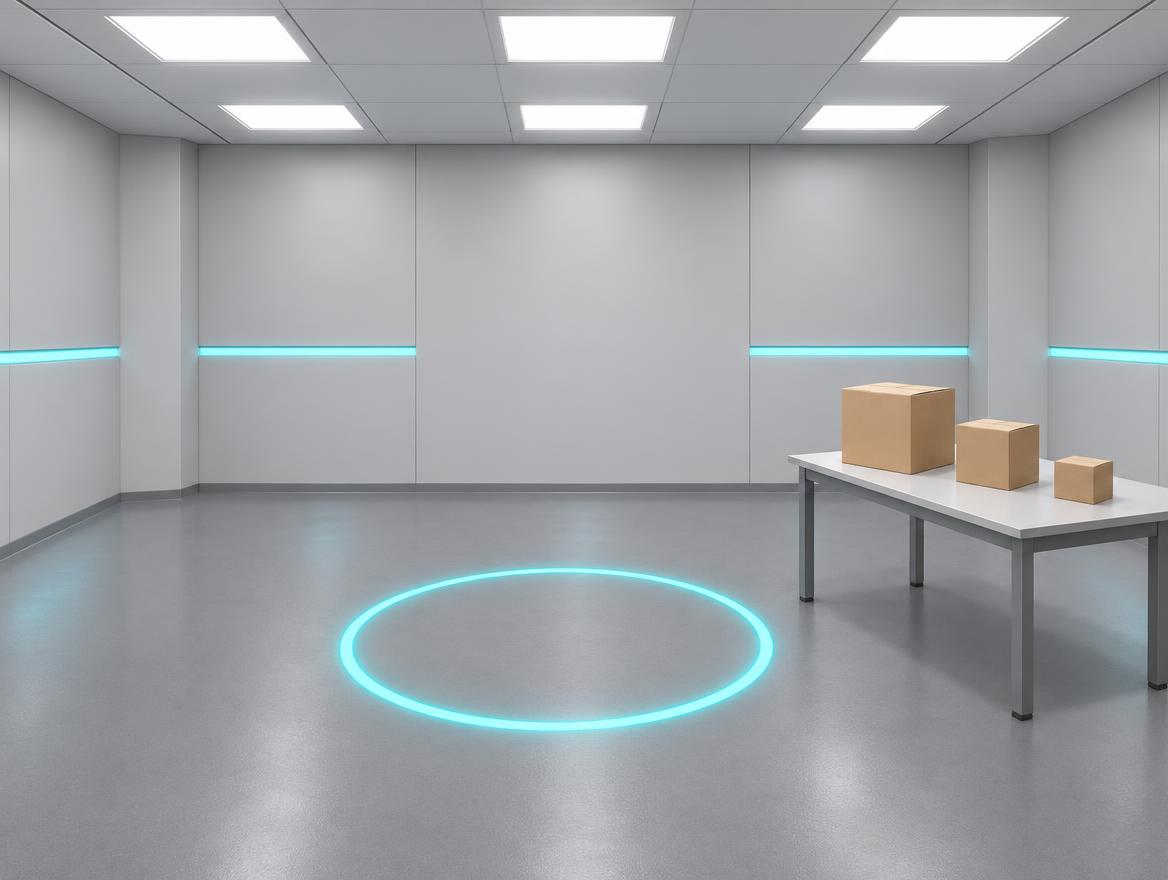
Calibrating
Standing upright with arms outstretched: the app adapts to the size of each person.
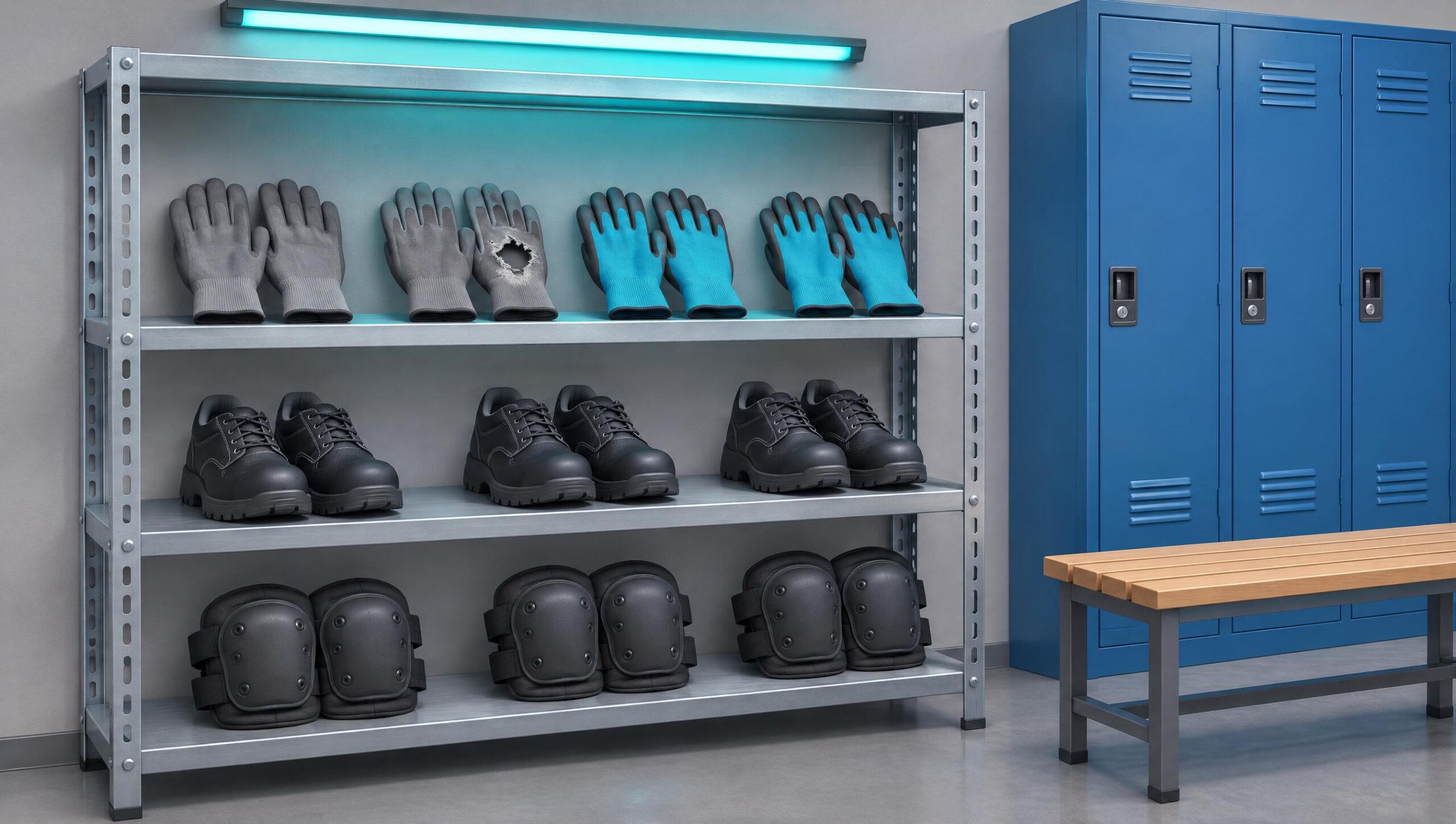
Equipping and analyzing
Gloves and shoes in the locker room, then watching the loading, the journey, the unloading.
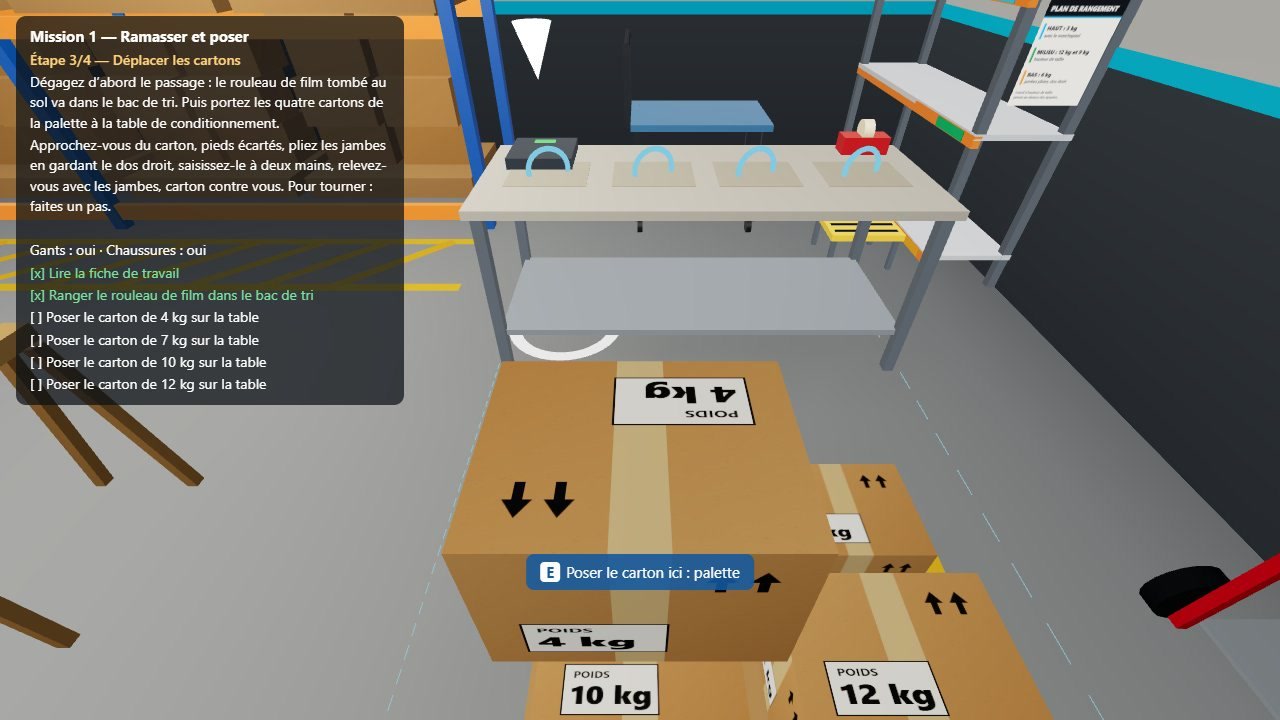
Lifting, carrying, depositing
The complete movement, repeated with different weights and heights.
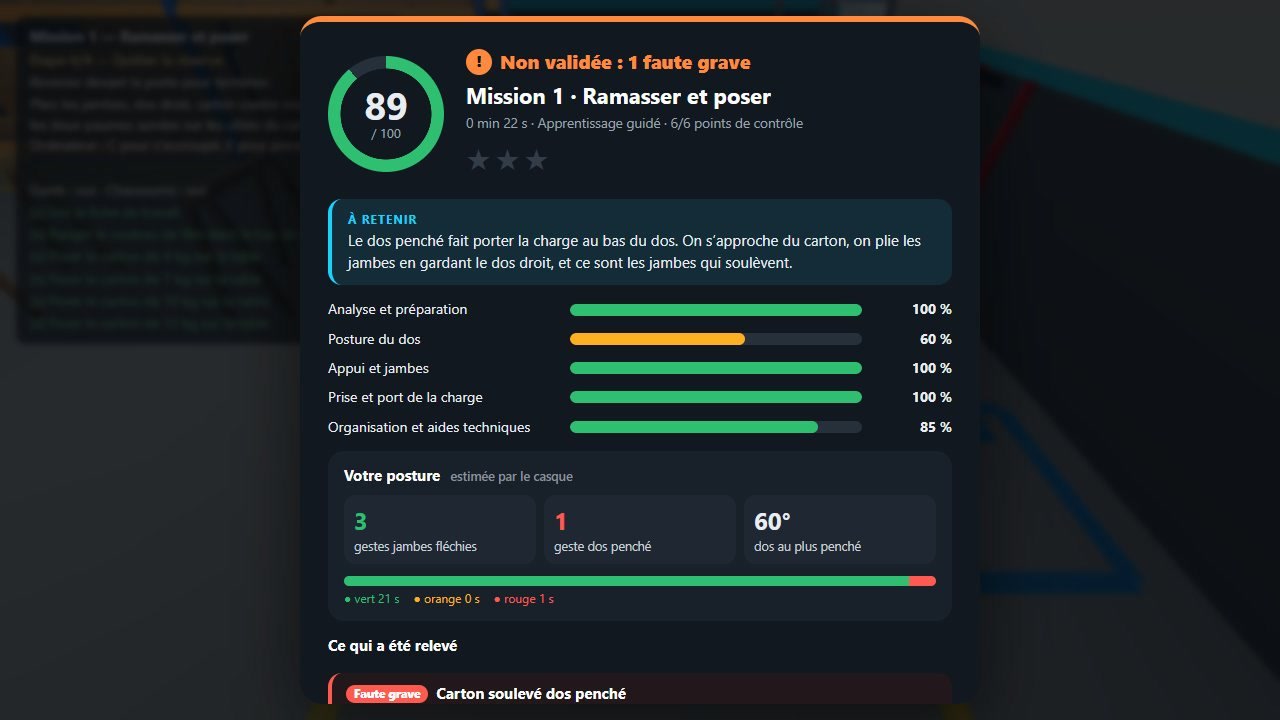
Read his bio
Score, errors explained and a summary of his posture during the mission.
The missions
Real work situations, from the warehouse to the office
Each mission involves a choice or a decision: to carry it alone, to two, or to seek technical assistance.
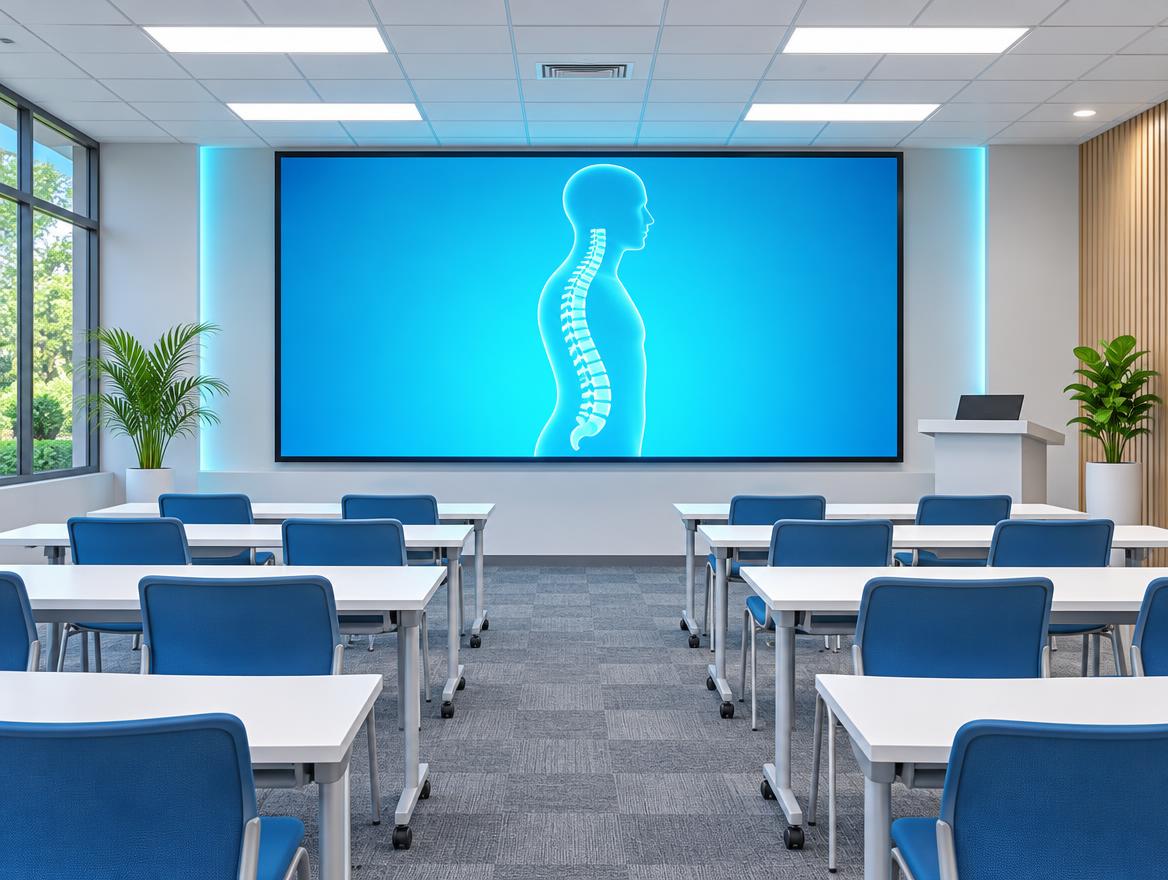
Theoretical module and quiz
In a virtual training room: the back and MSDs, the principles of saving effort, technical aids, the organization of the workplace. Then a quiz, with correction or evaluation.
Taking over and calibration
The trainee stands upright, stretches out his arms: the application knows his size. He learns to grasp, place, move and read the «back» gauge.
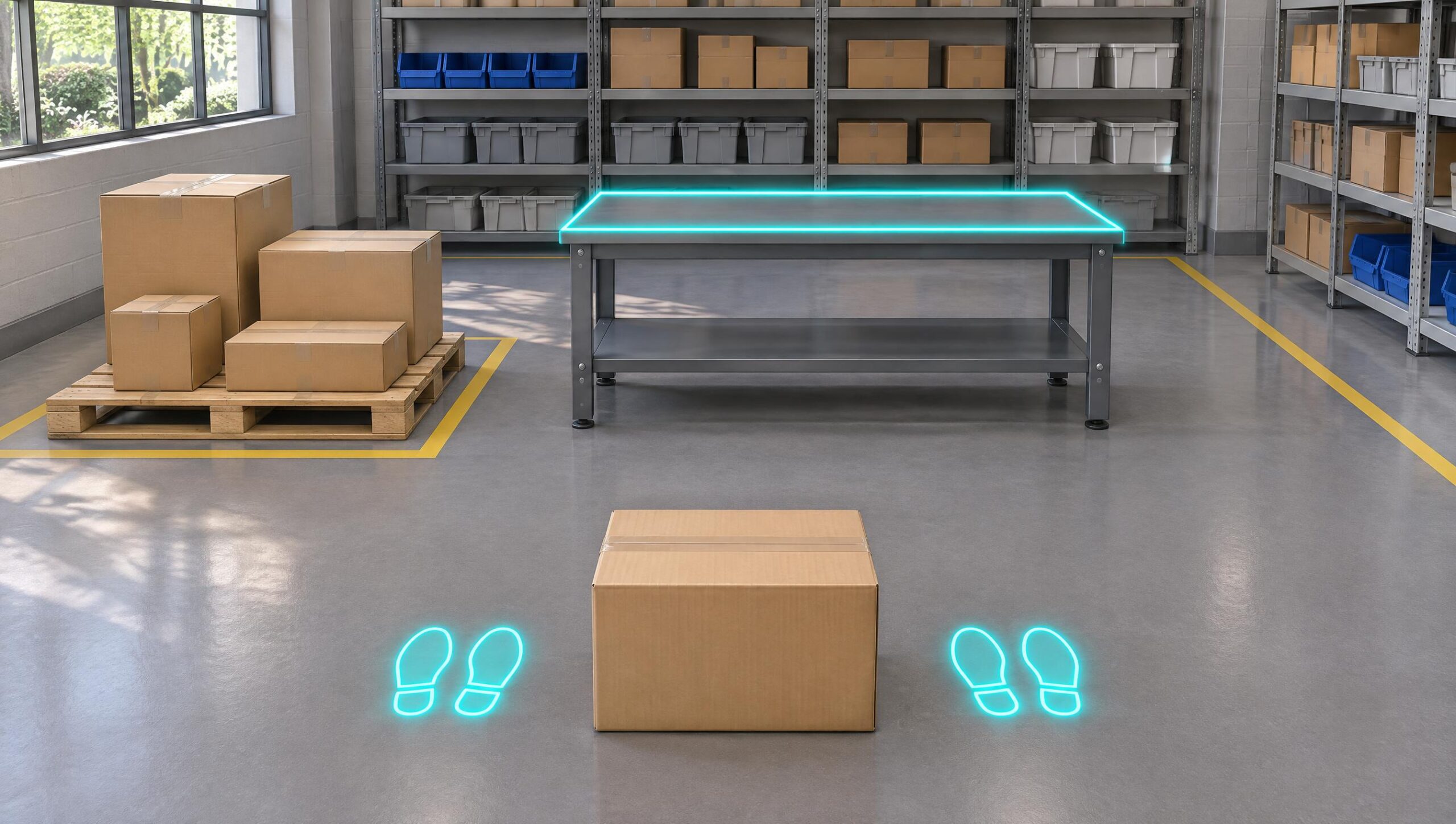
Picking and placing
From the ground to the table: analyze the load and the route, position yourself, bend your knees, keep your back straight and the load close to your body. Five different cartons, one of which is too heavy to be carried alone.
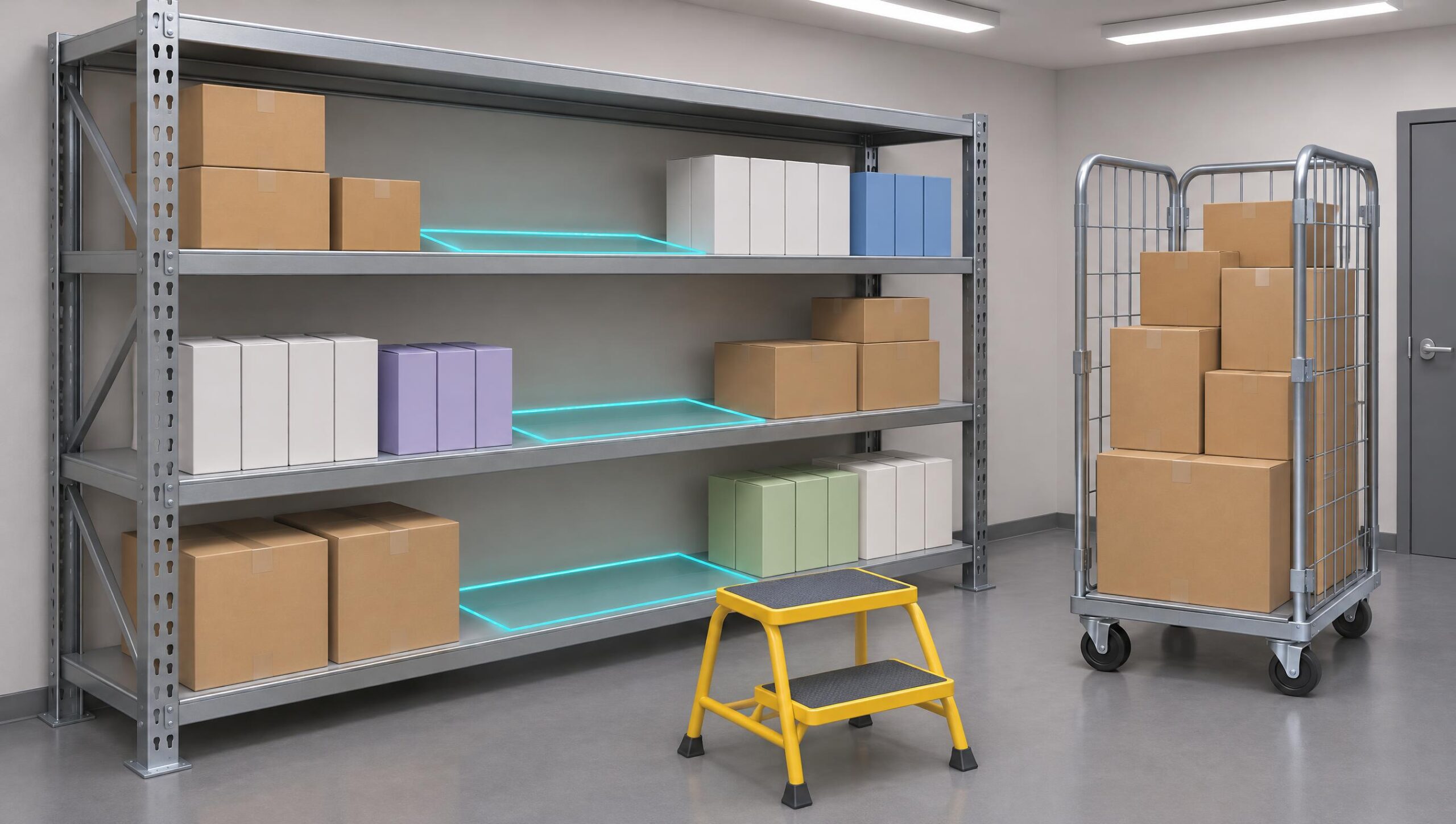
Placed on the shelf
A three-level shelf: adjust the grip and placement to suit the height, turn with your feet rather than your back, and use the step stool for the upper level.
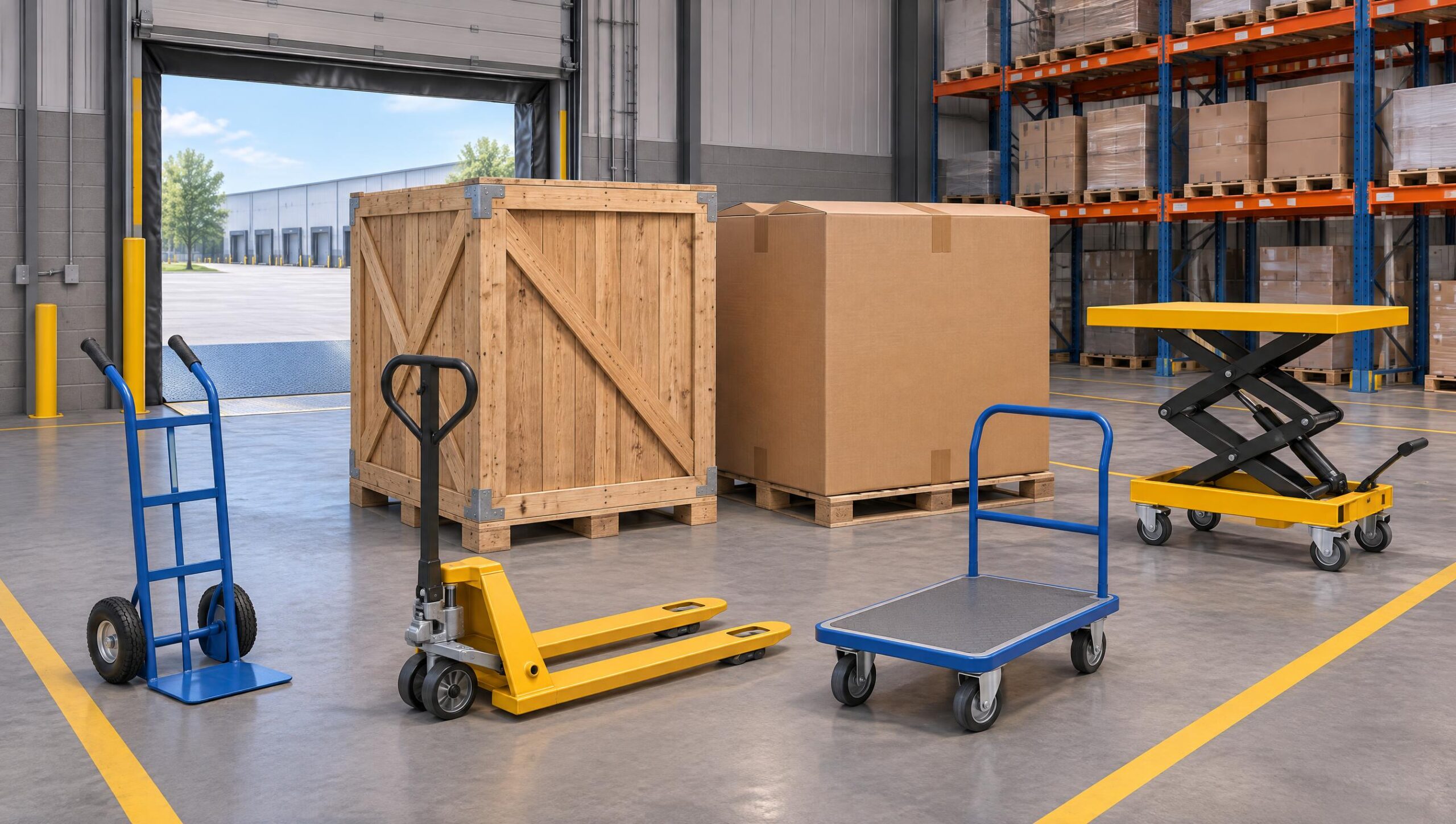
Heavy or bulky load
Analyze the load, then choose the right aid: a devil, a pallet truck, a trolley, or a lift table. Push rather than pull.
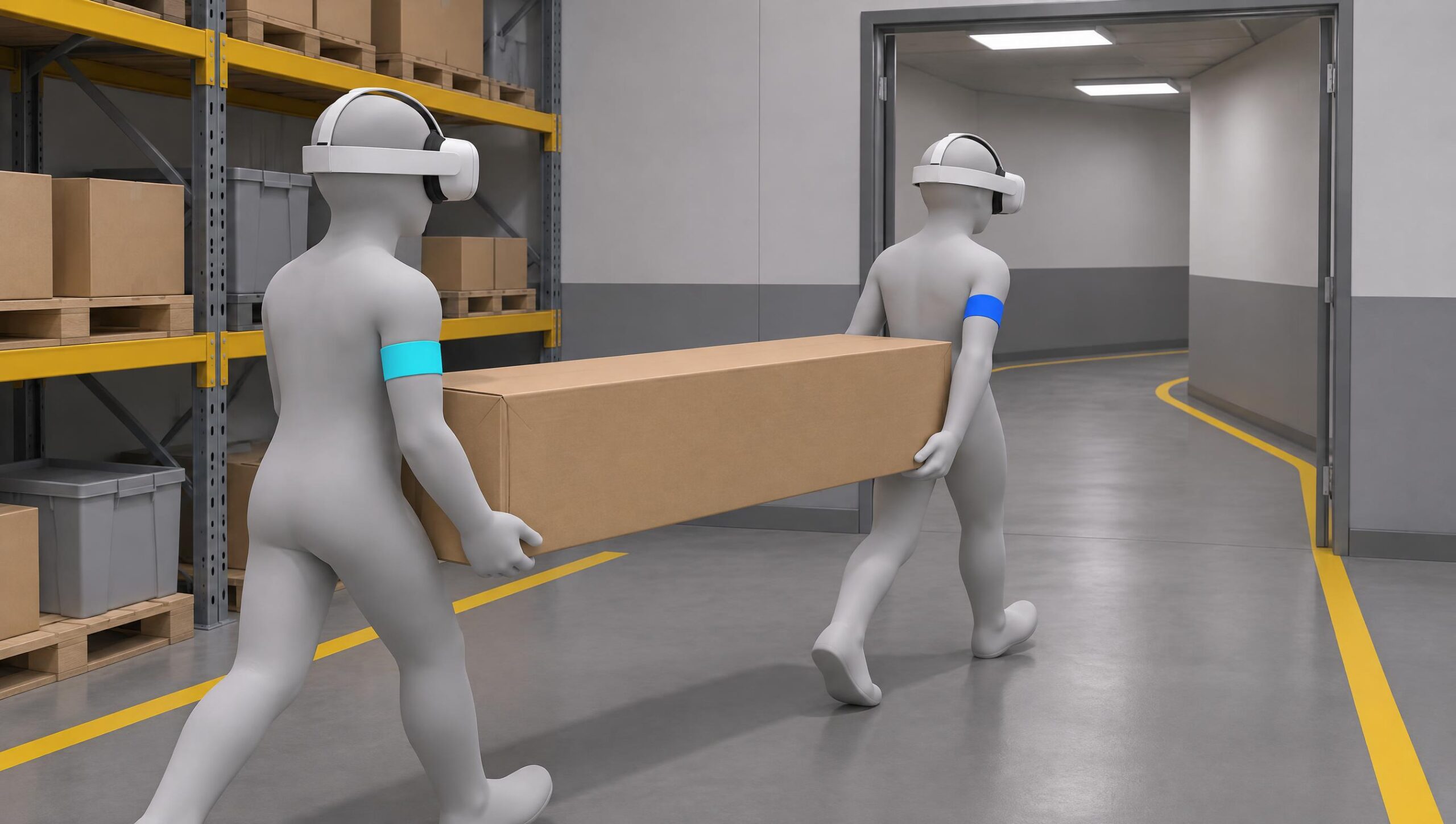
Two-handed carry
Two helmets, the same load: appointing a leader, announcing the lifting of the load, marching at the same pace, crossing a door and a bend, and putting down the load together.
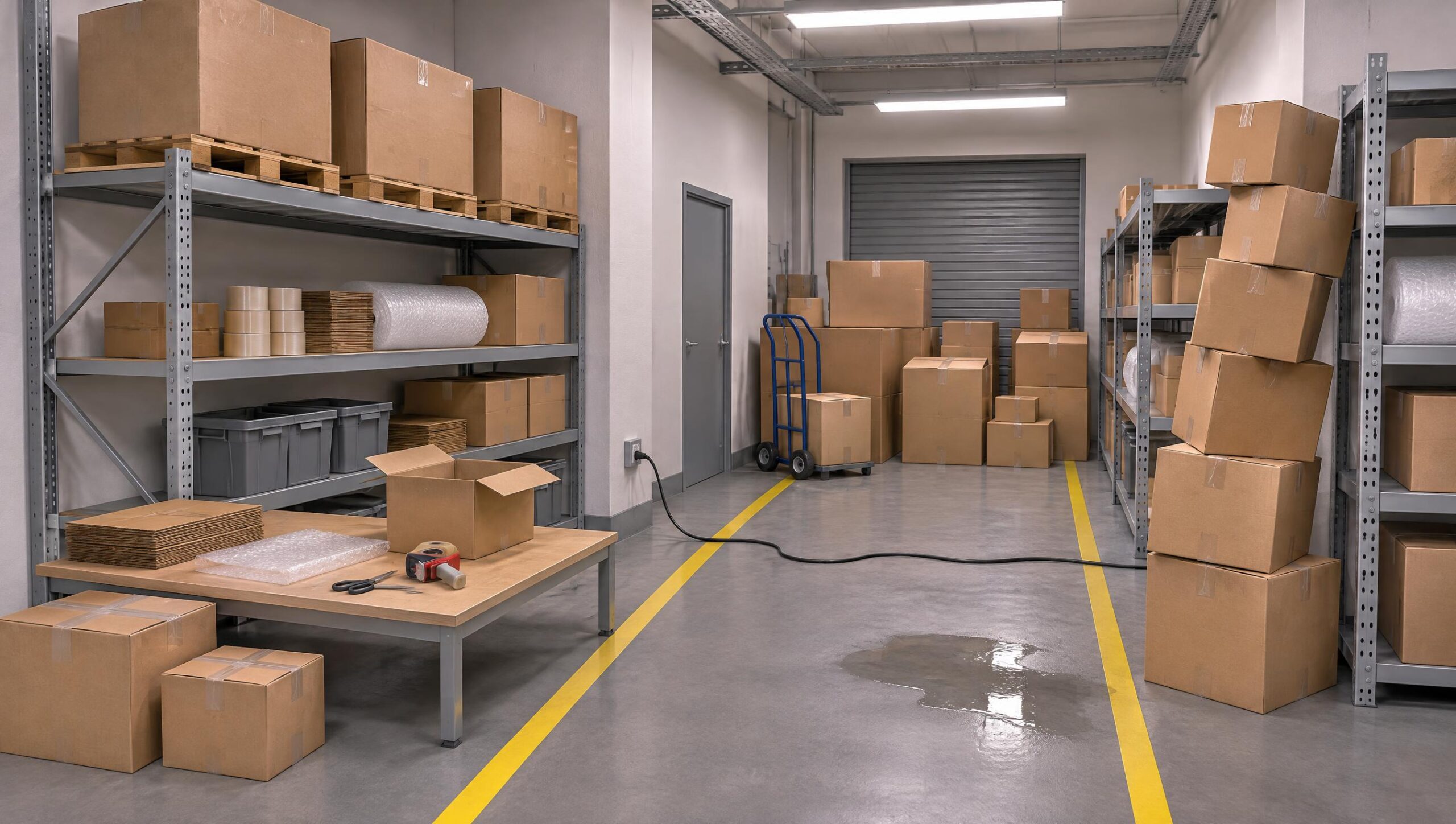
Risk hunting for a workplace
Observe a conditioning station, identify risk situations and propose improvements.
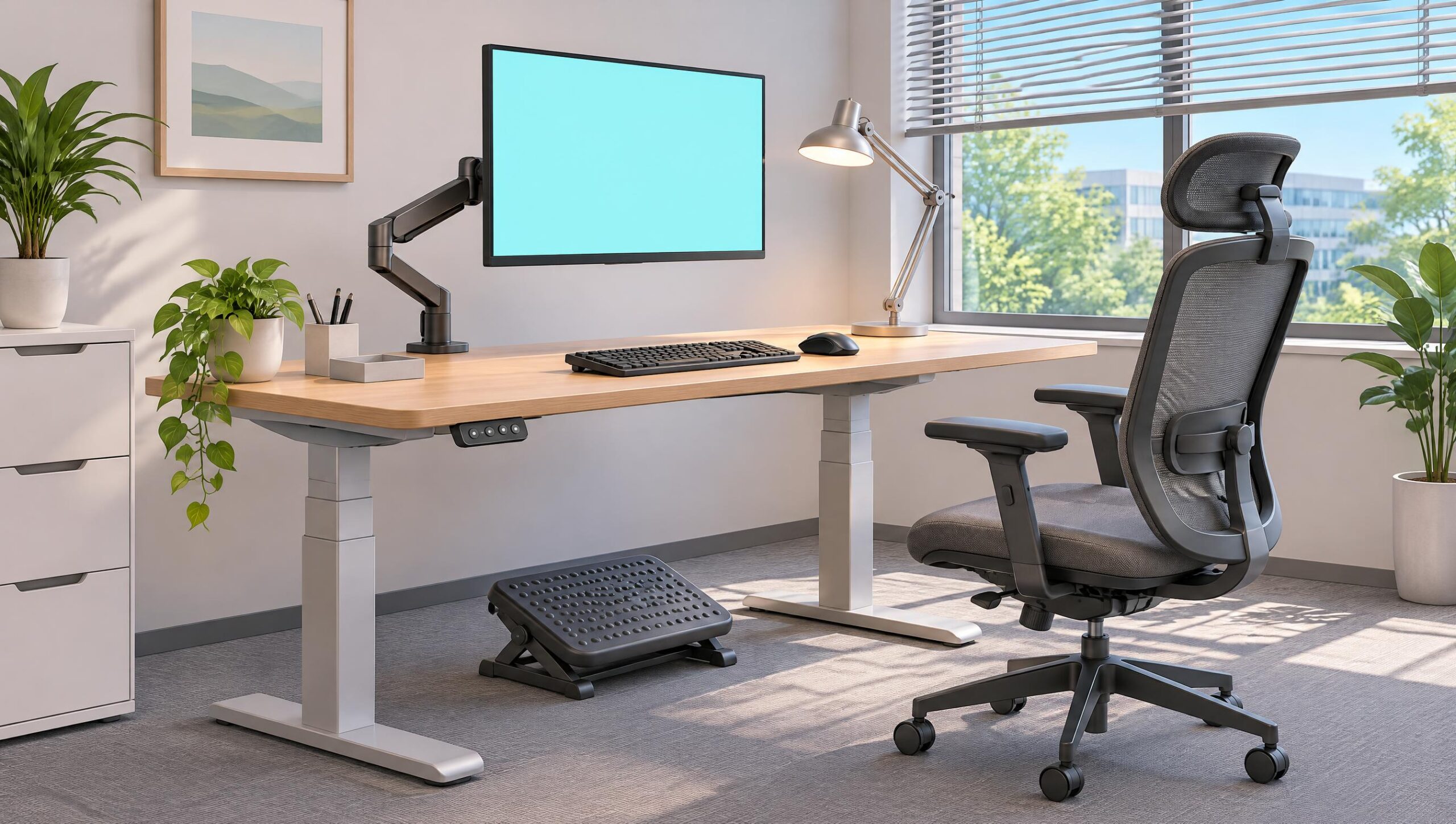
Work station on screen
Adjust the seat, the screen and the keyboard, identify prolonged postures, and think about breaks.
Assistance and care for the person
Elevate and transfer a person to two, using the person lift. A separate module, planned in a second version.
Training methods
From the first trial to evaluation
The trainer chooses the level of support for the opening of the session; the same content is used for learning, training, and assessment.
Guided learning
Clues in the scene, notes after each action, immediate alerts.
Training
Less help: the trainee builds his or her own moves; mistakes are still reported.
Evaluation without assistance
No help, no alert: everything is measured and returned in the balance sheet.
Solo
The trainee repeats the task as many times as necessary, until the gesture becomes a reflex.
As a team
Several helmets in the same session: the interns see each other, talk to each other, and carry a burden together in Mission 4.
On the trainer side
You see how your interns are moving
From a simple browser, the trainer opens the session, tracks each headset in 3D and retrieves the results.
- One-click open session: mission, mode, solo or team; 4-digit code
- Live 3D view: each avatar bends down like the trainee, in green, orange or red
- Risk posture alert during load, as seen by the trainee
- Microphone of the trainer in the helmet, messages, pause for everyone
- Adjustable posture thresholds by group or by trainee
- Training history, as seen by an intern, exported CSV
Evaluation
An objective assessment, ready for the debriefing
Everything is measured during the mission, without the intervention of the trainer.
- Analysis and preparationObserve the load and the route, determine the passage, choose the method
- Posture of the backBack maintained straight, no flexion of the trunk under load
- Support and legsFeet apart, flexion of the legs, bringing the load closer together
- Taking and carrying the loadHeld in both hands, charge close to the body, no twisting, controlled release
- Organization and technical assistanceAvailable assistance used, suitable working height, team coordination
Each error is classified as a serious fault or omission and explained. The report also summarizes the posture estimated by the helmet: the number of gestures involving bending the legs, leaning forward, and the angle of the back at its most inclined position.
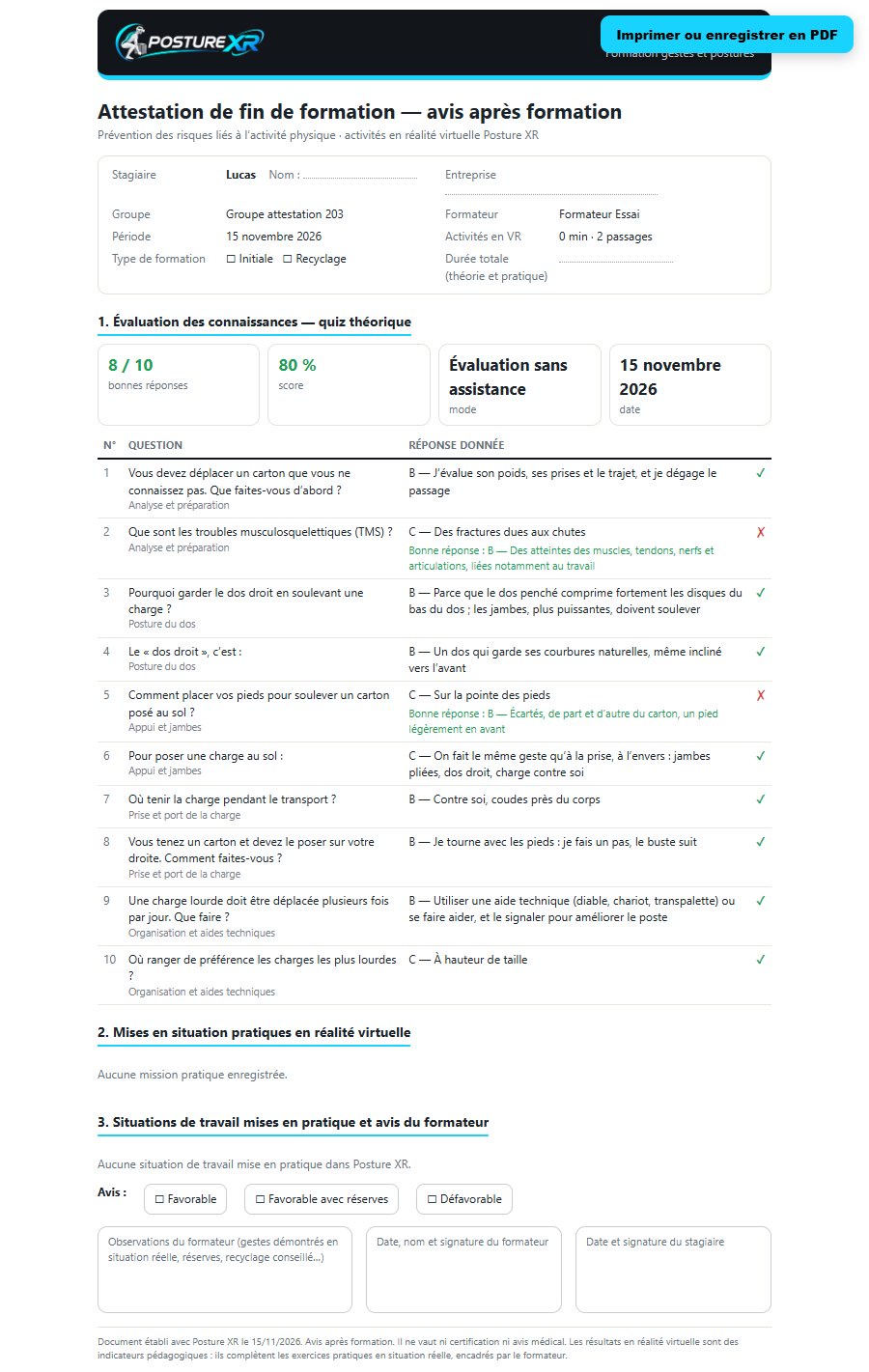
After the training
A certificate of completion of training by an intern
In just one click from the history, a document ready to be printed or saved as a PDF.
- Identity, period and duration of activities in virtual reality
- The quiz question by question
- The results of each mission and the points to review
- The opinion and the signature of the trainer
Posture XR is a training tool: the certificate does not constitute certification, and the tool does not replace practical training or the advice of a healthcare professional.
Gallery
XR posture in pictures
The images marked «Capture» come from the application. The others are illustration visuals. Click to enlarge.
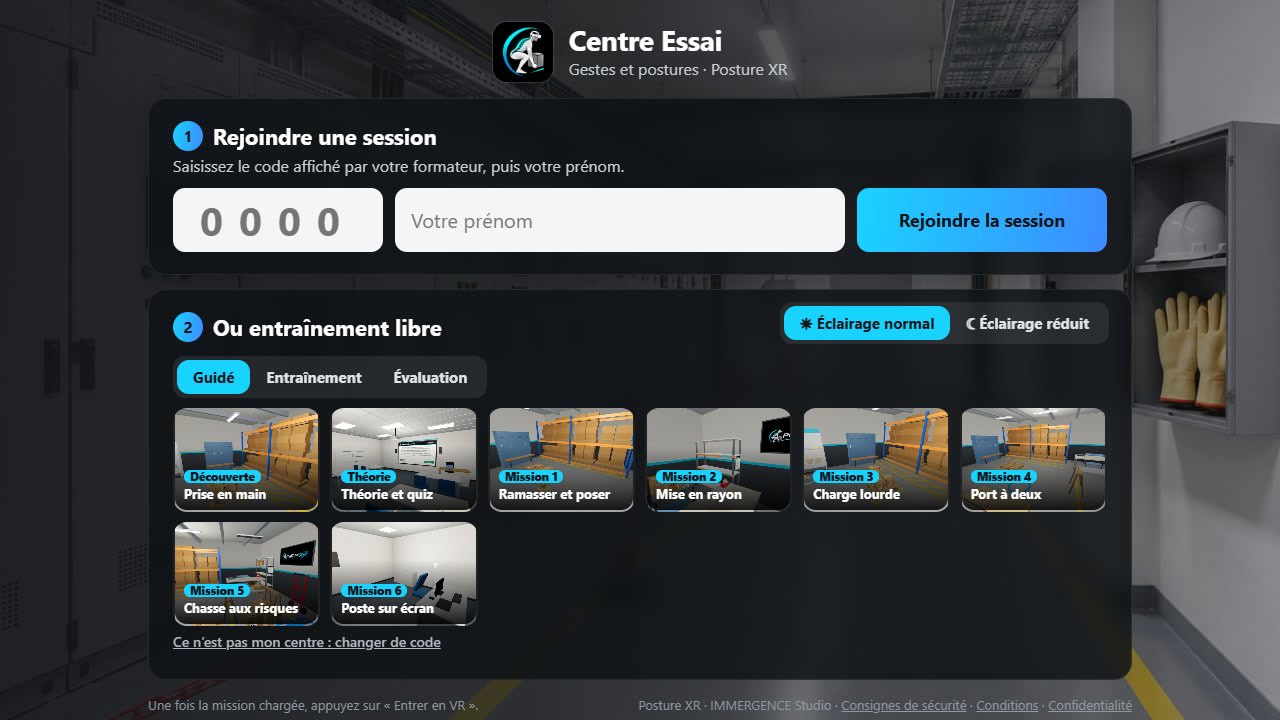 The welcome: session code, first name, choice of mission
Mission 1: the cartons from the pallet, from the lightest to the heaviest
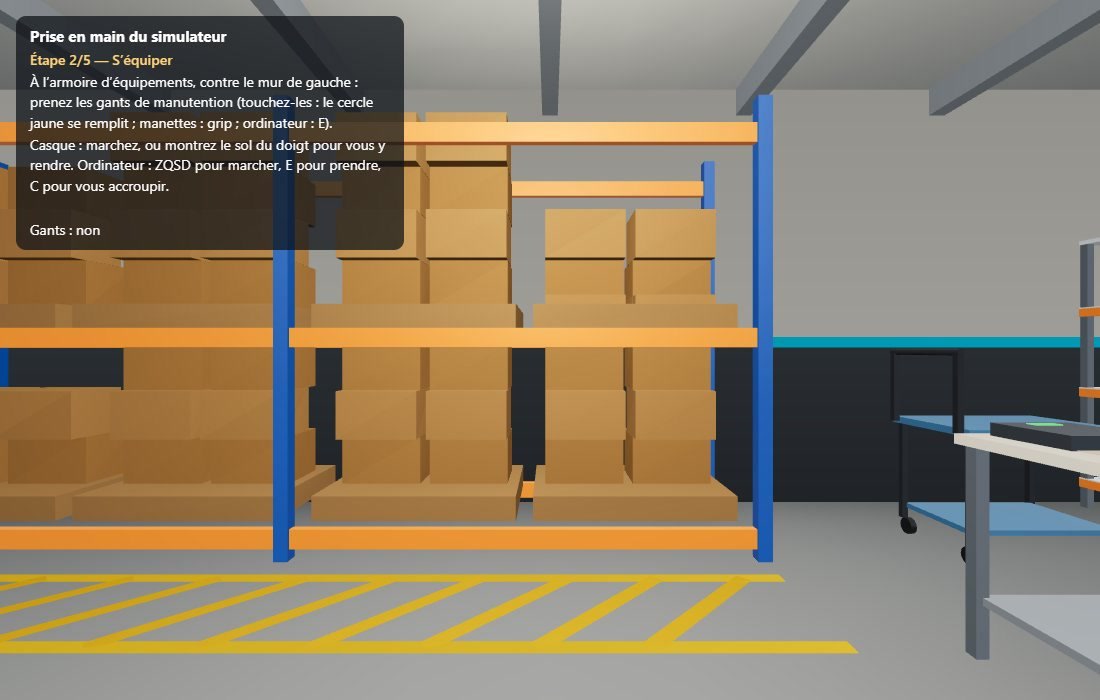 Posture alert when the back tilts forward
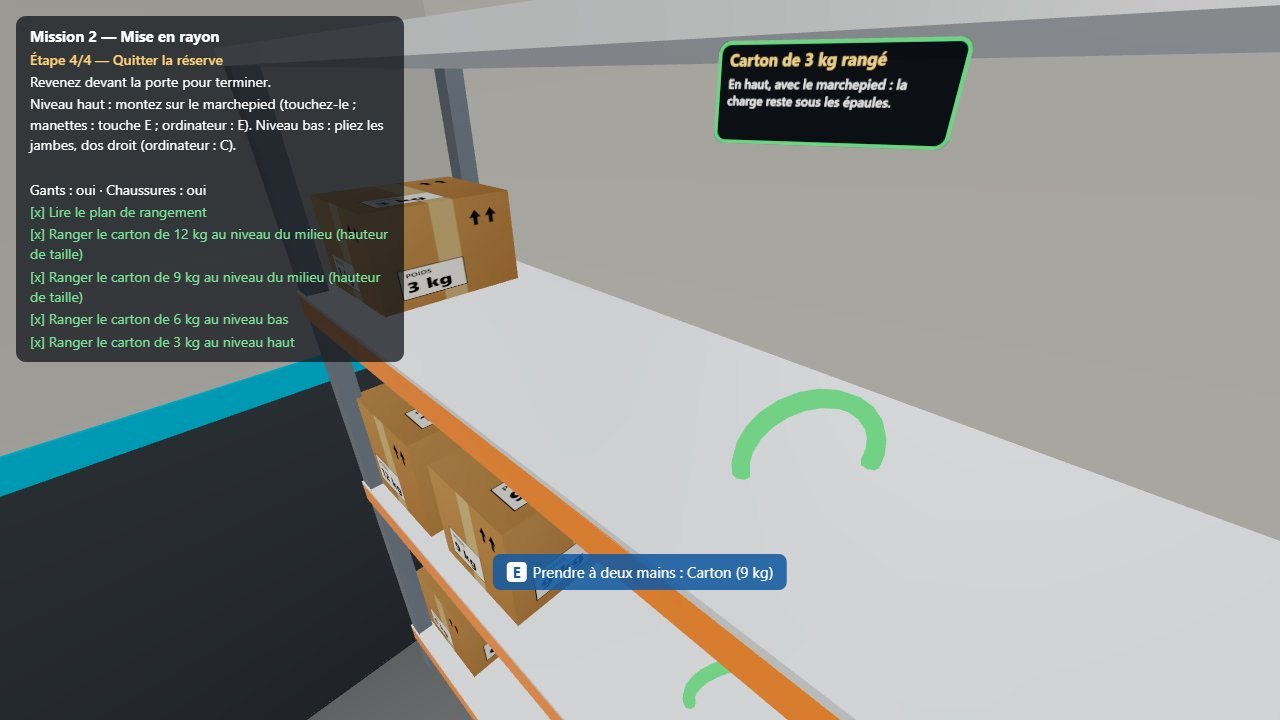 Mission 2: The display and the step
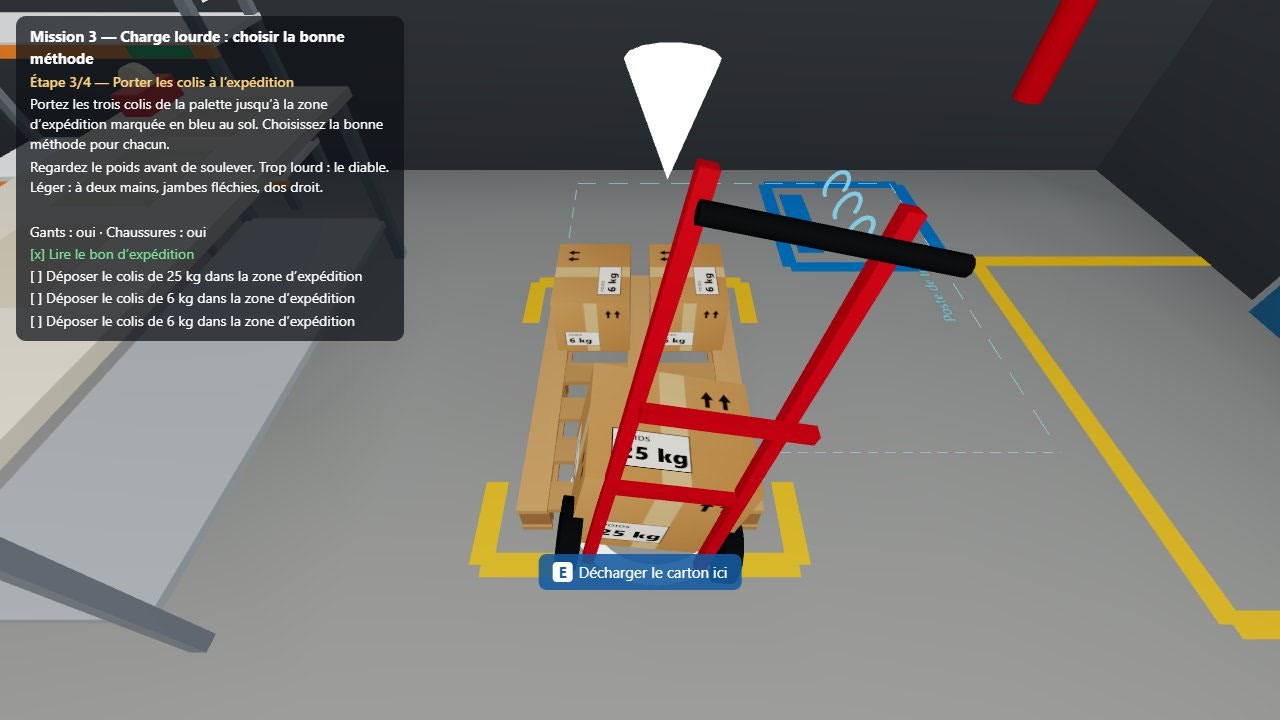 Mission 3: The heavy burden on the devil
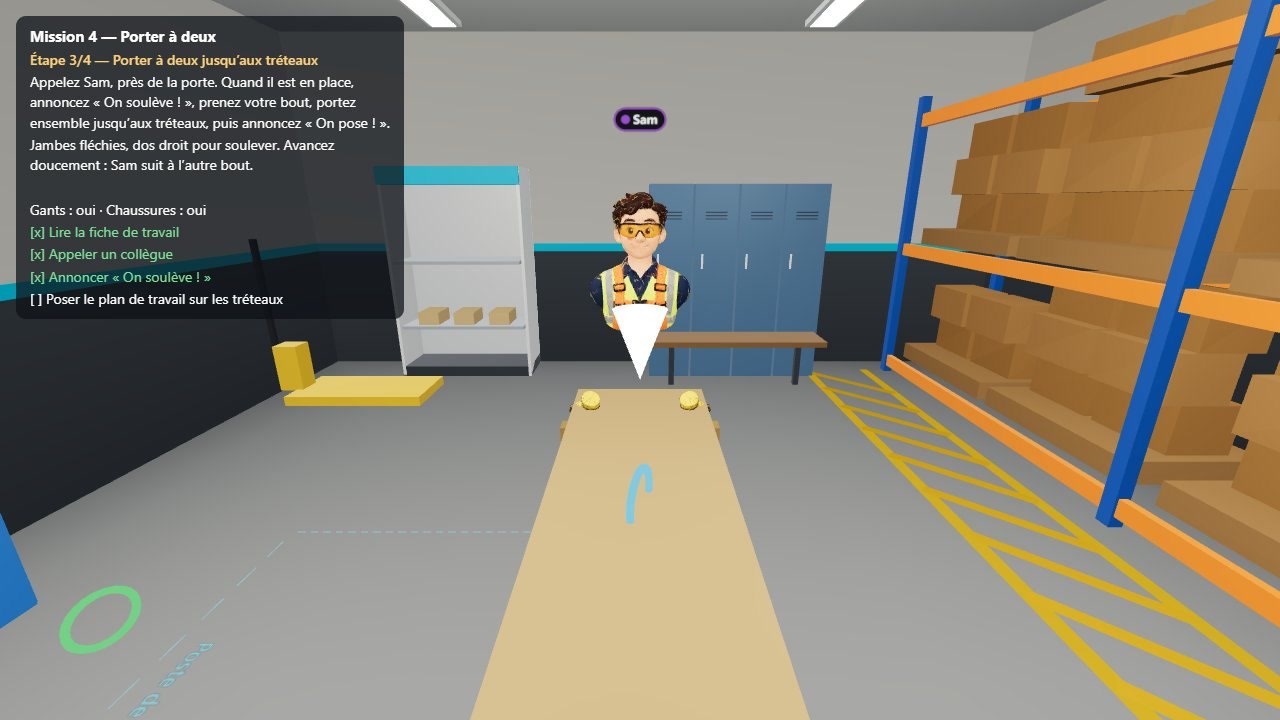 Mission 4: the two-man port with a teammate
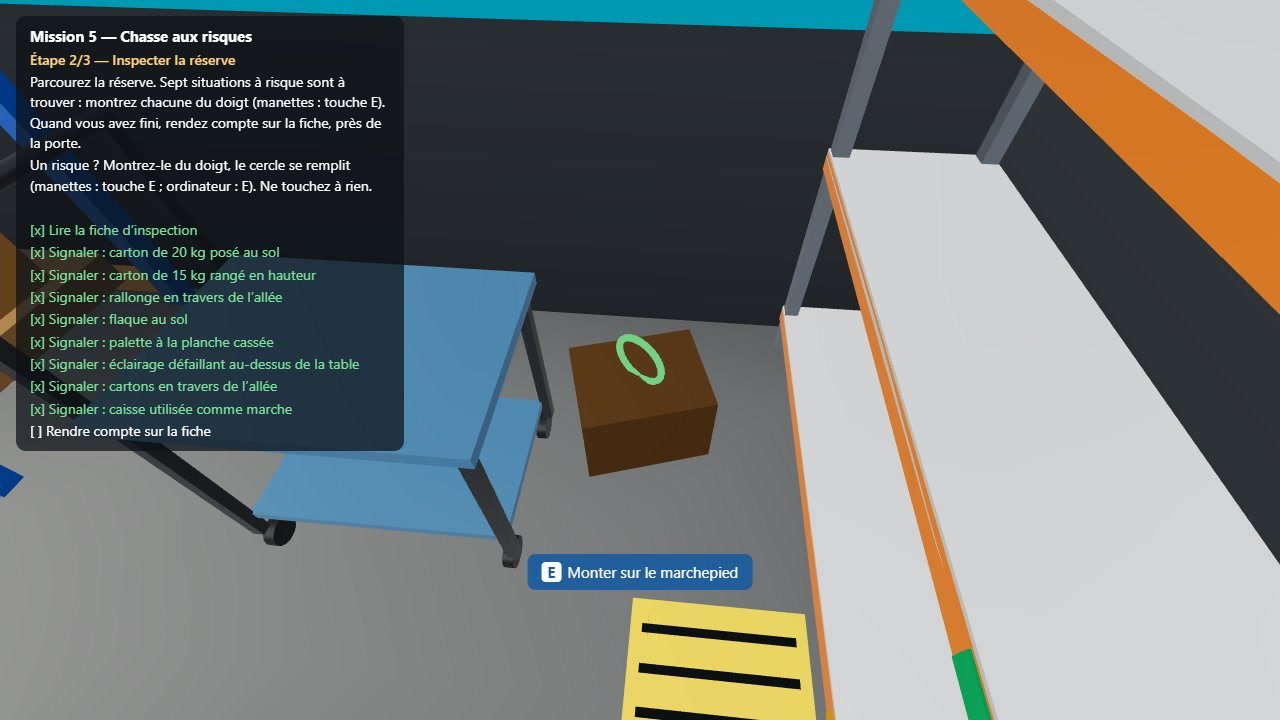 Mission 5: a risk identified in the reserve
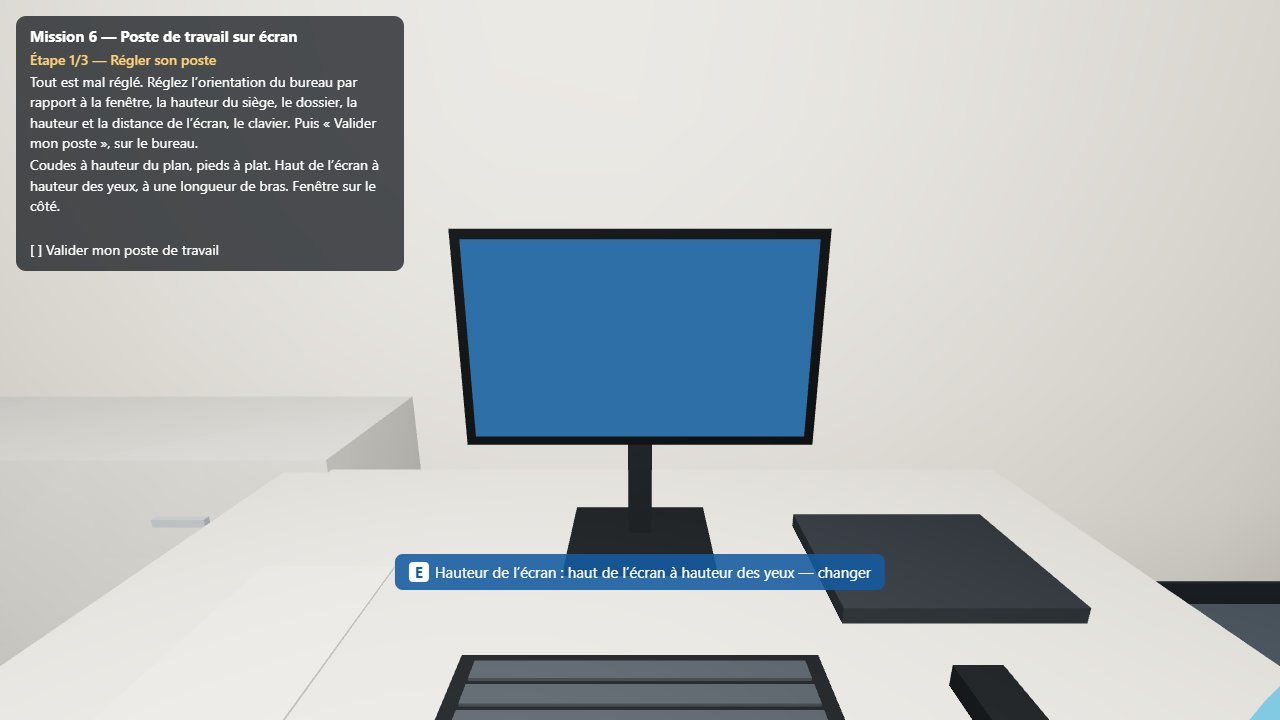 Mission 6: The work station on the screen
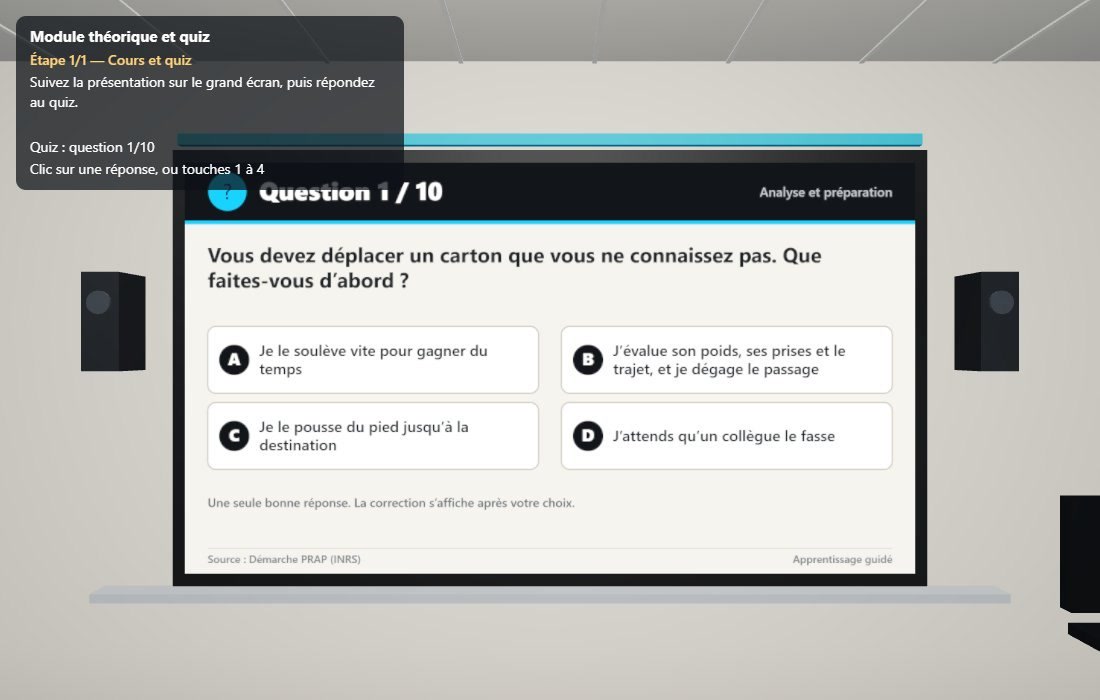 The theoretical quiz in the training room
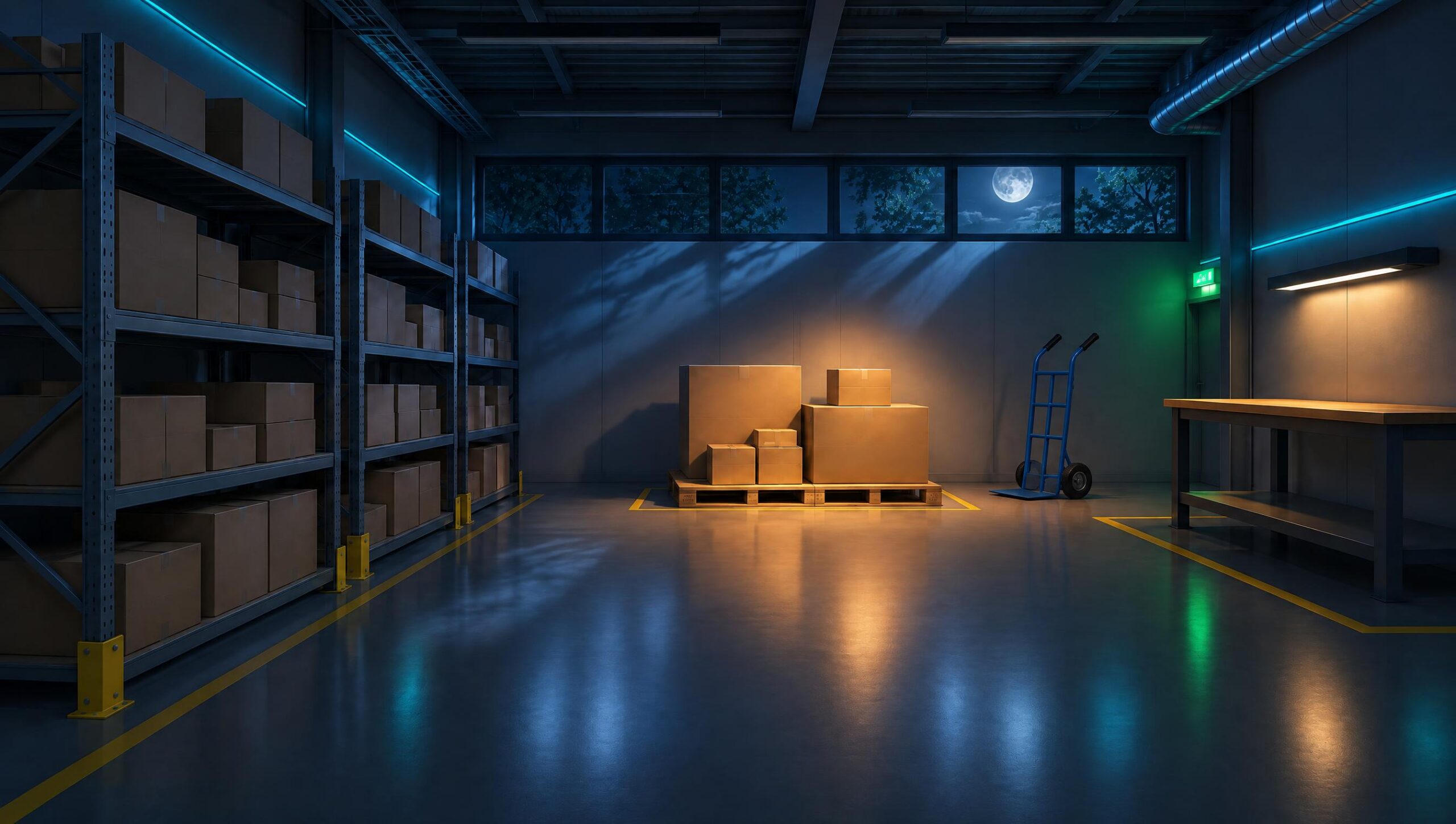
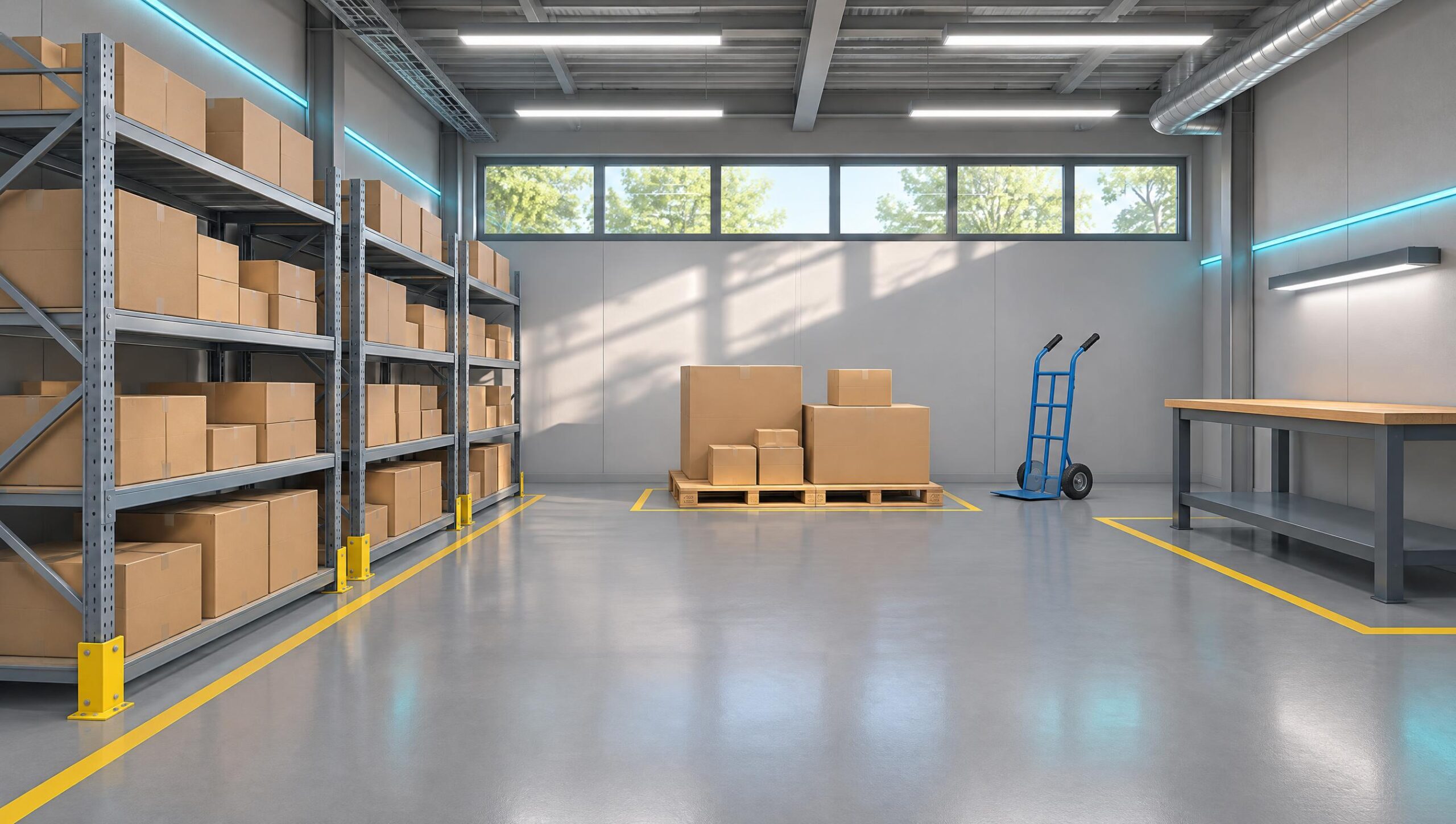 The reserve: shelves, pallet of cartons, devil and depositing table
The reserve in reduced lighting
The take-over room and its calibration reference
The training room for the theoretical module
Mission 1: the carton, the foot markers and the loading table
Mission 2: the three-level shelving unit and the step
Mission 3: the heavy load and the available aids
Mission 4: the port facing the door
Mission 5: the conditioning station to be analyzed
Mission 6: The work station on the screen
The locker room: handling gloves, safety shoes, knee pads
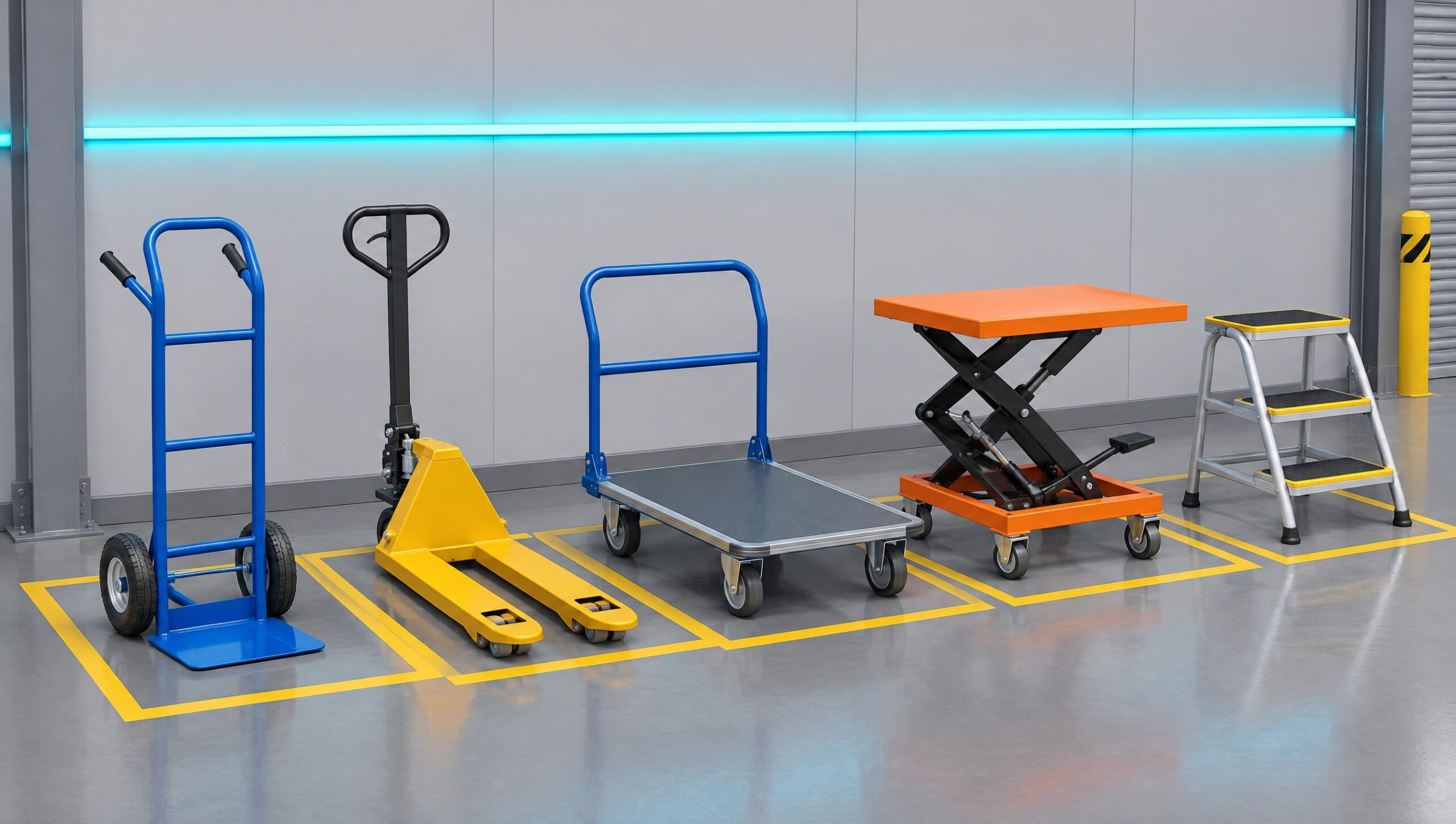 Technical aids: monkey bars, pallet trucks, trolleys, lifting tables, step stools
Posture analysis: estimated skeleton and «back» gauge»
For whom?
For all those who are learning the gestures and postures
Training centers
An active situation-based approach between theory and real exercises, for each trainee in the group.
Preventive services and QHSE
Raising awareness among teams about manual handling and the prevention of MSDs, on-site.
Logistics, trade, construction, industry
Everyday tasks: pallet handling, shelving, heavy loads, two-handed lifting.
Commercial
The screen-based workplace: settings, prolonged postures, breaks.
Frequently asked questions
XR posture: your questions
What equipment is needed?
A Meta Quest standalone headset: Posture XR opens in the headset's browser, without the need to install an application, with an internet connection. A computer is sufficient for the trainer's dashboard, the theoretical module, and the demonstration.
Do we need hand controls?
No, by default the trainee works with bare hands: he grips a carton with both hands, palms on the sides, just like in real life. The handles remain usable as a backup, the helmet tilts down on its own.
How is the posture measured?
The helmet follows the head and hands. After a few seconds of calibration, the application deduces the descent, the flexion of the back relative to the legs, the distance of the load from the body, and the twist. This is an educational estimate, not a biomechanical measurement or a medical diagnosis.
Does the intern carry real responsibilities?
No. He makes real movements, but his hands remain empty: the weight is suggested by a slight delay in the load, a sound, and a visual return. A cleared area is initially checked, and an adapted mode (reduced amplitude, sitting) exists for people with medical restrictions.
Does the XR posture provide certification?
No. Posture XR is a training tool: it provides real-life situations, results and a follow-up certificate. It does not provide any certification and does not replace practical training or the advice of a healthcare professional.
Can we have several interns at the same time?
Yes. The trainer opens a session, the headsets join it with a 4-digit code, and each trainee appears in the 3D view: their avatar peers with them and takes on the color of their posture. The trainer can talk to them through the microphone.
What does the trainer get in the end?
A scorecard per trainee and per mission: five scores out of 100, stars, errors classified as serious mistakes or forgotten and explained, quiz result, training history, CSV export and follow-up certificate.
Technical sheet
Application details
- Category
- Gestures and postures, prevention of MSDs
- Usage
- Training, retraining, awareness-raising
- Contents
- Theoretical module and quiz, mastering, 6 missions
- Analysis
- Posture estimated by the helmet, in bare hands
- Equipment
- Meta Quest, PC
- Installation
- None: helmet browser
- Styles
- Guidance, training, evaluation; solo or team
- Follow-up
- Dashboard, 3D view, history, CSV, follow-up certificate
- Publisher
- IMMERGENCE Studio
Launch prices
One license per center, unlimited trainees
Price in euros, including VAT, per training center or per company. All the formulas provide access to the same content: only the duration and the number of simultaneous helmets change.
Pass 24 hours or 48 hours
350 € HT
for 5 simultaneous helmets
- No obligation
- Activated on the date of your choice
- Unlimited sessions during 48 h
- For a day of safety, a demonstration, a fair
30-day license
990 € HT
5 simultaneous helmets
- No obligation
- Extendable without interruption
- Unlimited sessions for 30 days
- For a training session or a one-off refresher course
Subscription
249 € VAT / month
5 simultaneous helmets
- 12-month commitment
- 4 times cheaper than a month at the unit
- New missions included
- For centers and companies that operate all year round
12-month license
On request
Several sites, more than 20 helmets
- Designed for your structure
- Annual billing, purchase order accepted
- Support for starting up
- The best price for the month
Theoretical module and quiz, all missions, posture analysis via the helmet, guided modes, training and evaluation, solo or team, training dashboard, reports, CSV export, follow-up certificates, customization in your organization's colors.
Meta Quest helmets, additional training accounts, and training for trainers. Access is personal and reserved for the organization holding the license.
Demonstration
Want to see Posture XR in your center or your company?
We present you the missions, posture analysis and training dashboard, via video or in your premises, and build the offer tailored to your sessions and the number of helmets you have.