


High-altitude work in virtual reality
Training in roofing work, without ever exposing your trainees
A warehouse roof at 12 meters from the ground, day and night. Every good reflex counts, every mistake is noted, and the trainer monitors everything in real time.
Access to the platform
Ready to get on the roof?
Altum XR opens directly in the browser, without any installation required: the trainees in the headset, the trainer on their computer. Two entry points, one session.
Joining a session
In the headset browser (Meta Quest 3, Pico) or on a PC, open:
https://altum.pro-xr.com- Enter the 4-digit code displayed by your instructor
- Enter your first name, then «Join the session»
- Once the task is loaded, press «Enter VR»
Free training: once you have entered the code for your center, the headset will retain it for 30 days.
Open Altum XRRunning the session
From a computer, log in to your training area:
https://altum.pro-xr.com/formateur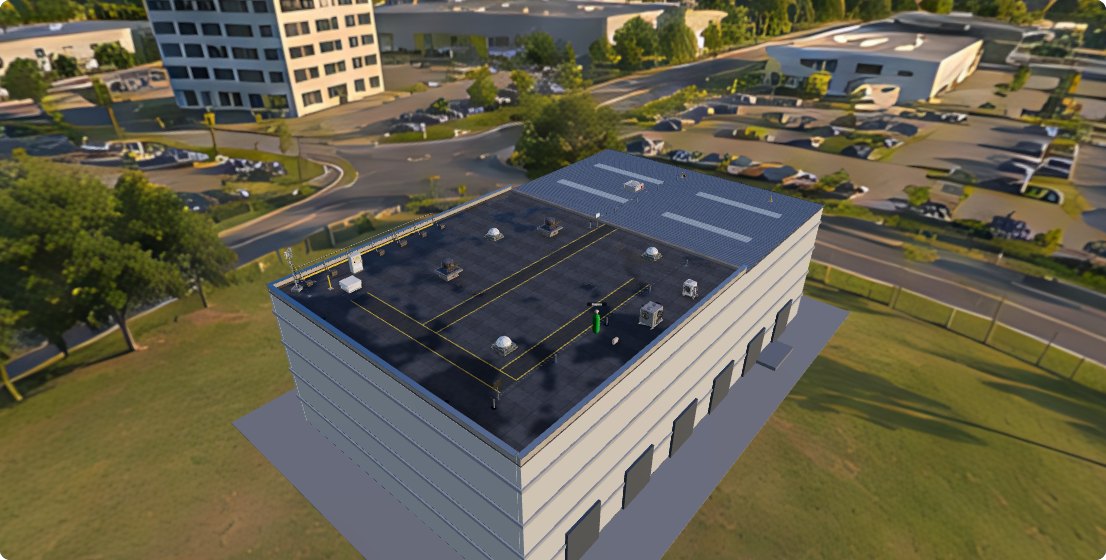
- Open a session: mission, day or night, code for helmets
- Track each trainee on the roof in 3D, live
- Retrieve the statements, history, and CSV export
IDs are provided with your center's license. Not yet equipped? Request a demo.
Access the dashboardWhy Altum XR
A tool designed for training centers
Altum XR complements your theoretical and practical sessions: your trainees repeat the procedure, experience the risk situations and understand their mistakes before going on a real roof.
Zero risk, real mistakes
The trainee can make mistakes: forget to clip the wire, leave the hatch open, step on a fragile plate. The simulation shows him this without ever putting him in danger.
A photorealistic roof
Wet bitumen, puddles that reflect the sky, life lines, lanterns, 12 meters of real emptiness under the riverbed, day and night.
Errors detected automatically
Unstructured exposure, long periods of disconnection, the order of the tests, a false diagnosis: everything is measured and presented in a clear report.
Nothing to install
Altum XR opens in the headset’s browser (WebXR). The trainee enters a 4-digit code and joins the session.
The trainer keeps the hand
Live 3D view of the roof, position and status of each trainee, break for everyone, messages and microphone in the helmets.
Day or night
The same scenario under the spotlight of the construction site and in front of the headlamp: another perception of the void and the obstacles.
The thread of the story
The same rigor in every mission
Each mission picks up the common security core, then adds a business task with its own traps. The voiceover guides, the tablet on the wrist displays the step and the list of controls.
Getting equipped
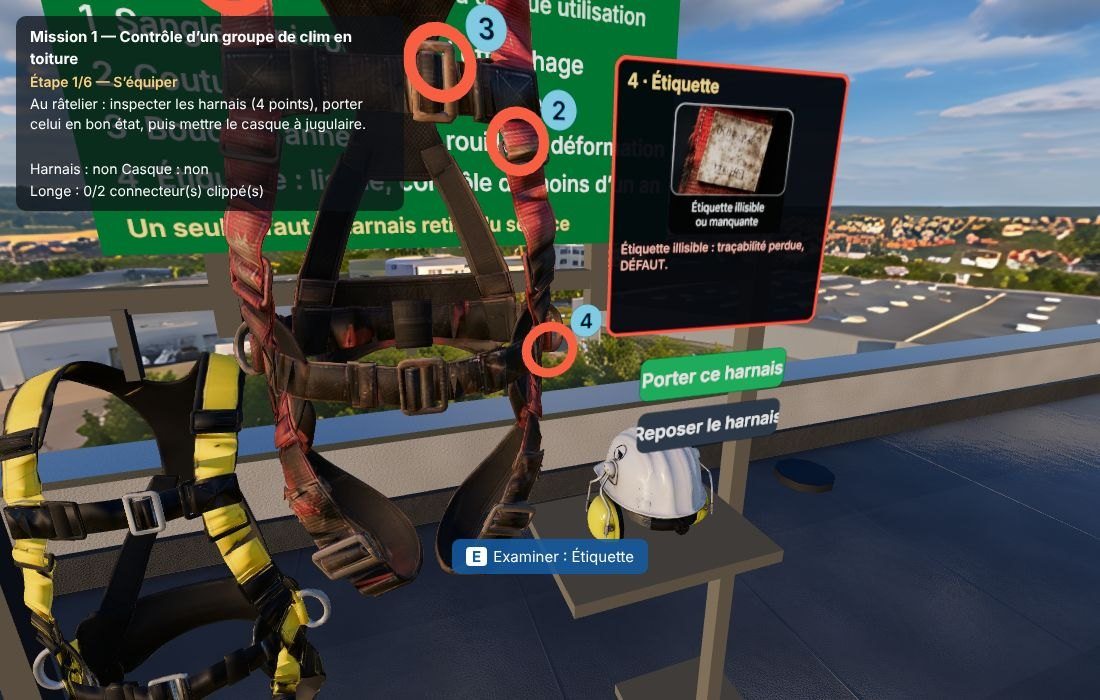
Inspection of the 4-point harness, neck-mounted helmet. One of the harness on the harness bar is worn out: to be identified and removed.
Securing access
Closing the hatch behind oneself: an open hatch is a risk of falling.
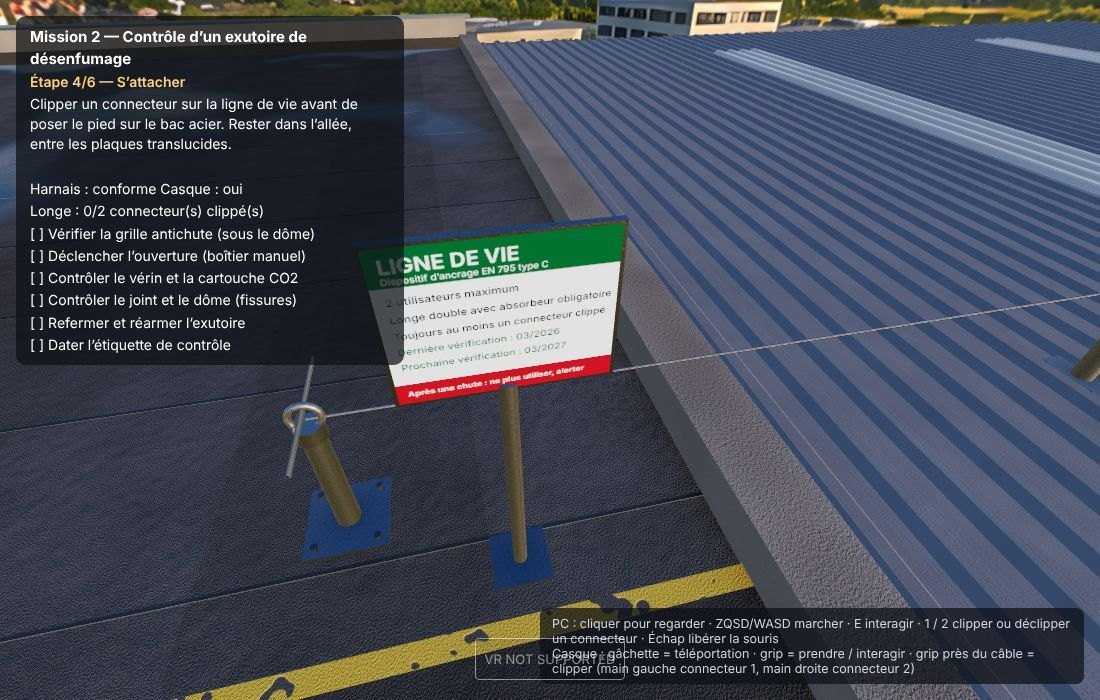
To lead and to be committed
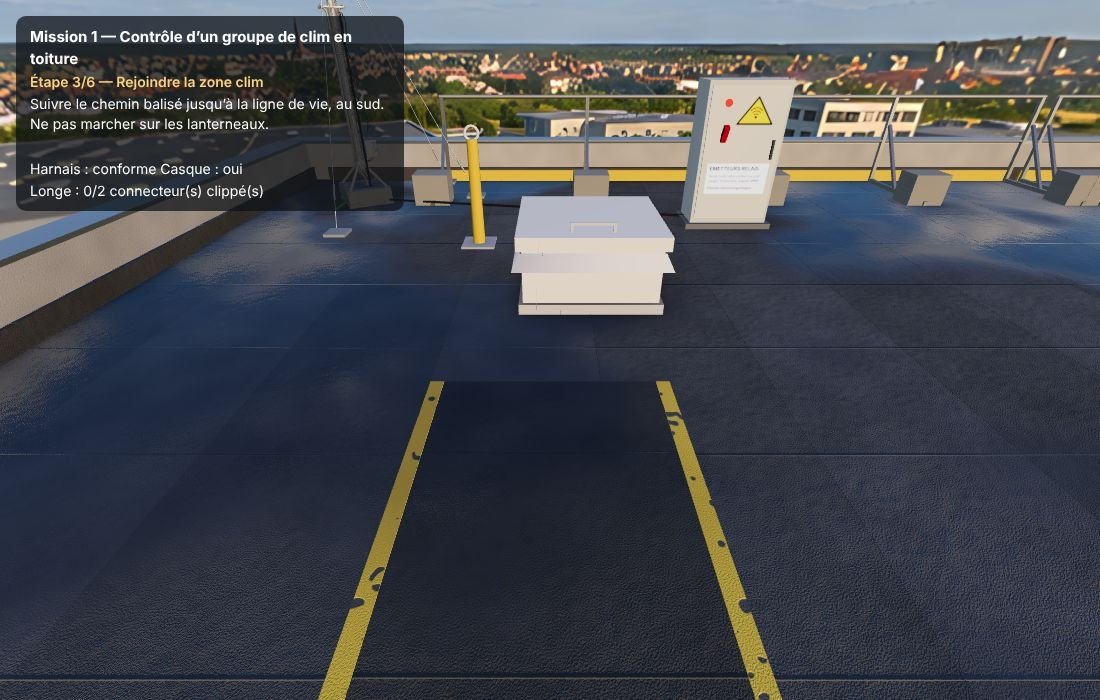
Follow the marked path, avoid flashlights and fragile plaques, and trim the cord before the exposed area.
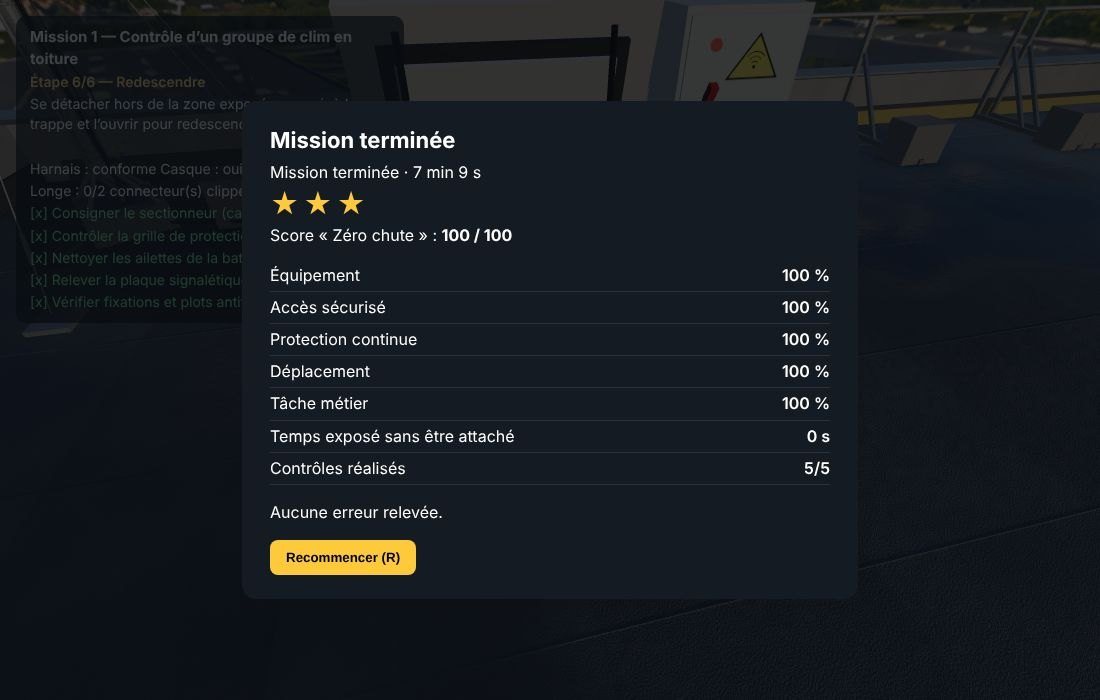
Intervene and come down
Carry out the checks in order, always with at least one plug connected, then automatic evaluation.
The missions
Six real maintenance situations in roofing
From controlling an air conditioning unit to rescuing a colleague suspended in their harness, each mission involves different protective equipment.
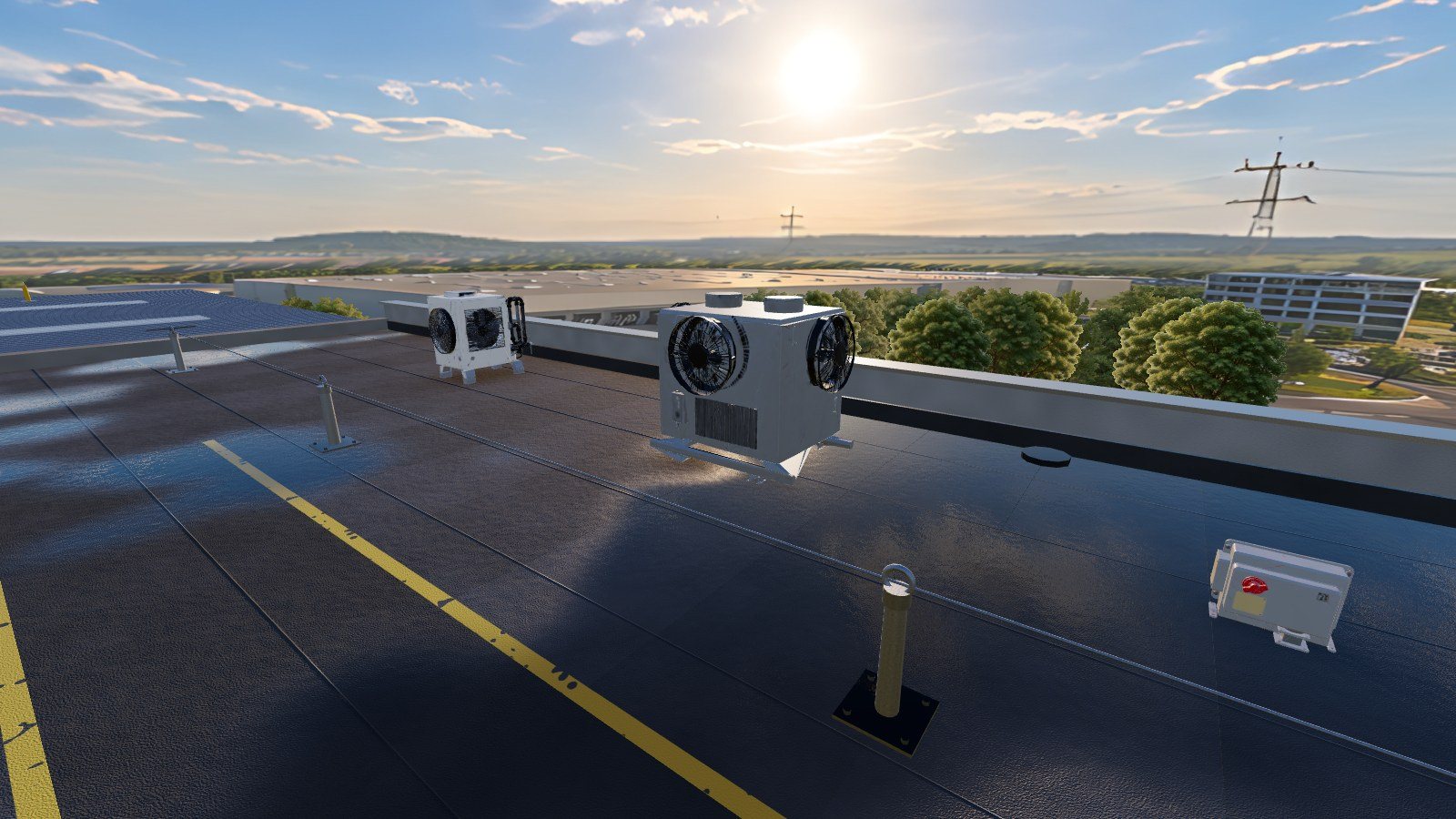
Group of clim in the roof
First record the circuit breaker, then check the group while remaining clipped to the live wire.
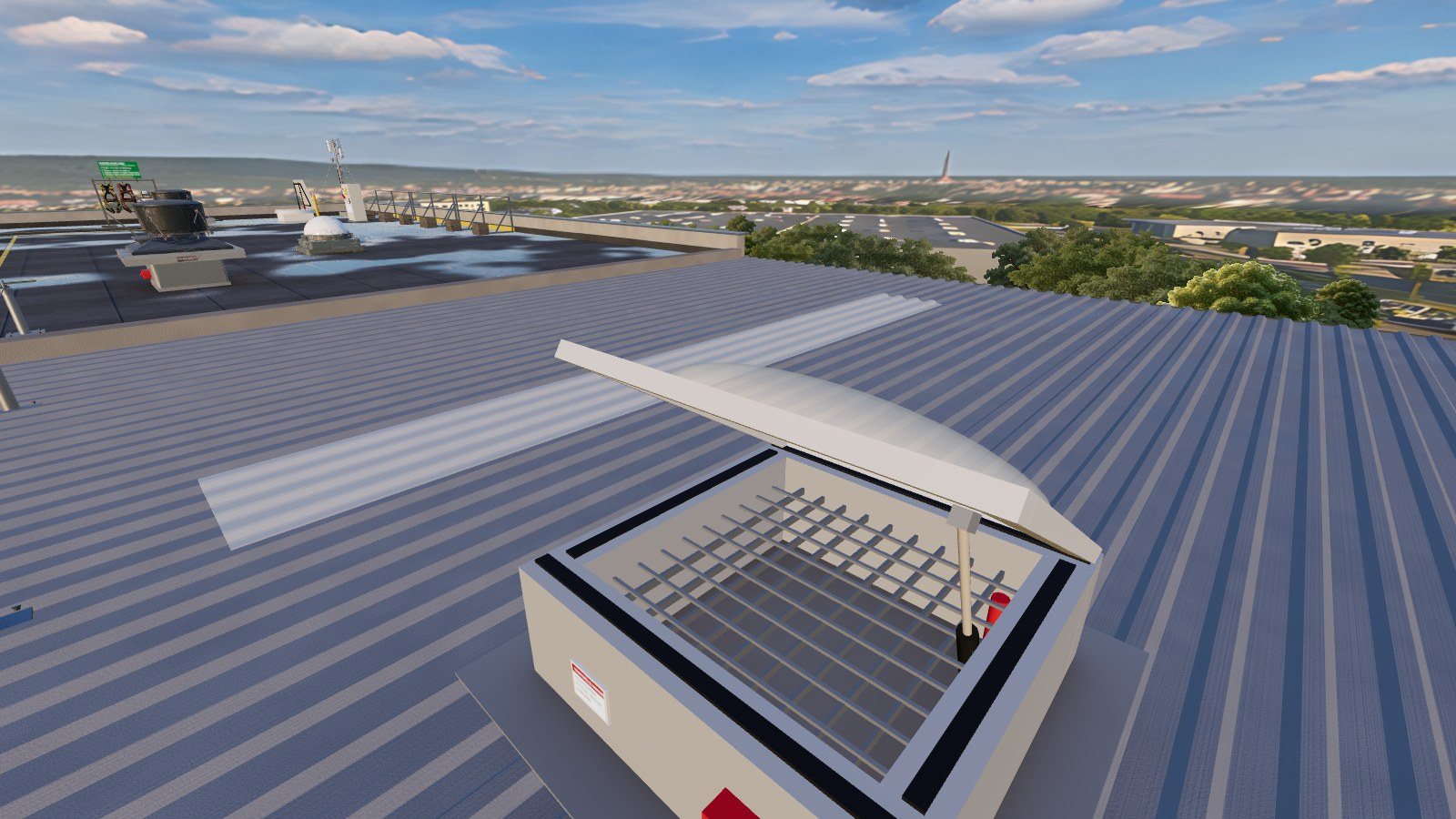
Exhaust vent for smoke removal
On the steel base, among the translucent plates: first the anti-fall grille, then the opening, the lever, the seal and the label.
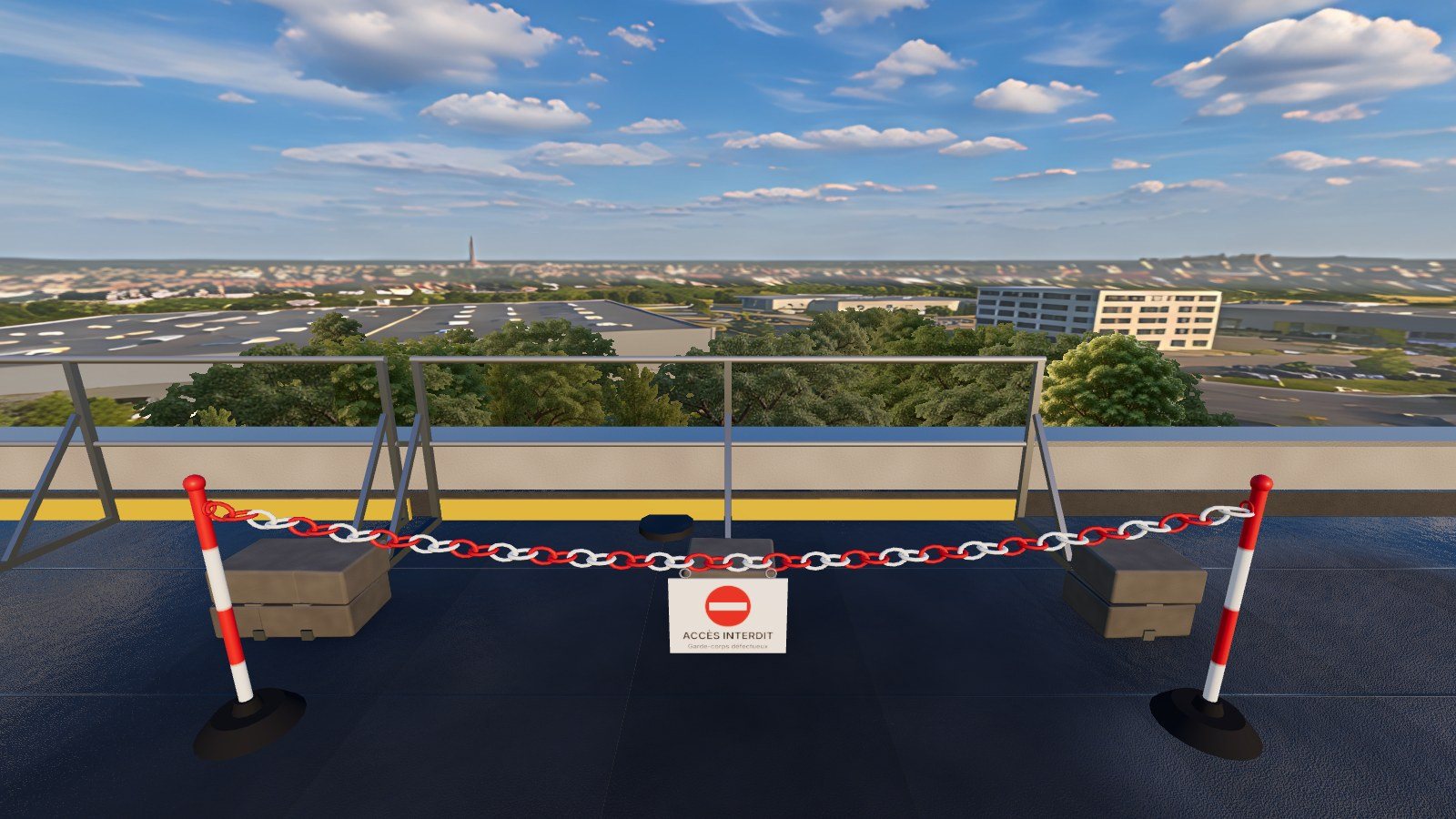
Fence on the north bank
Three elements to be diagnosed: one defect is drawn randomly at each session: declare it compliant or mark it as defective.
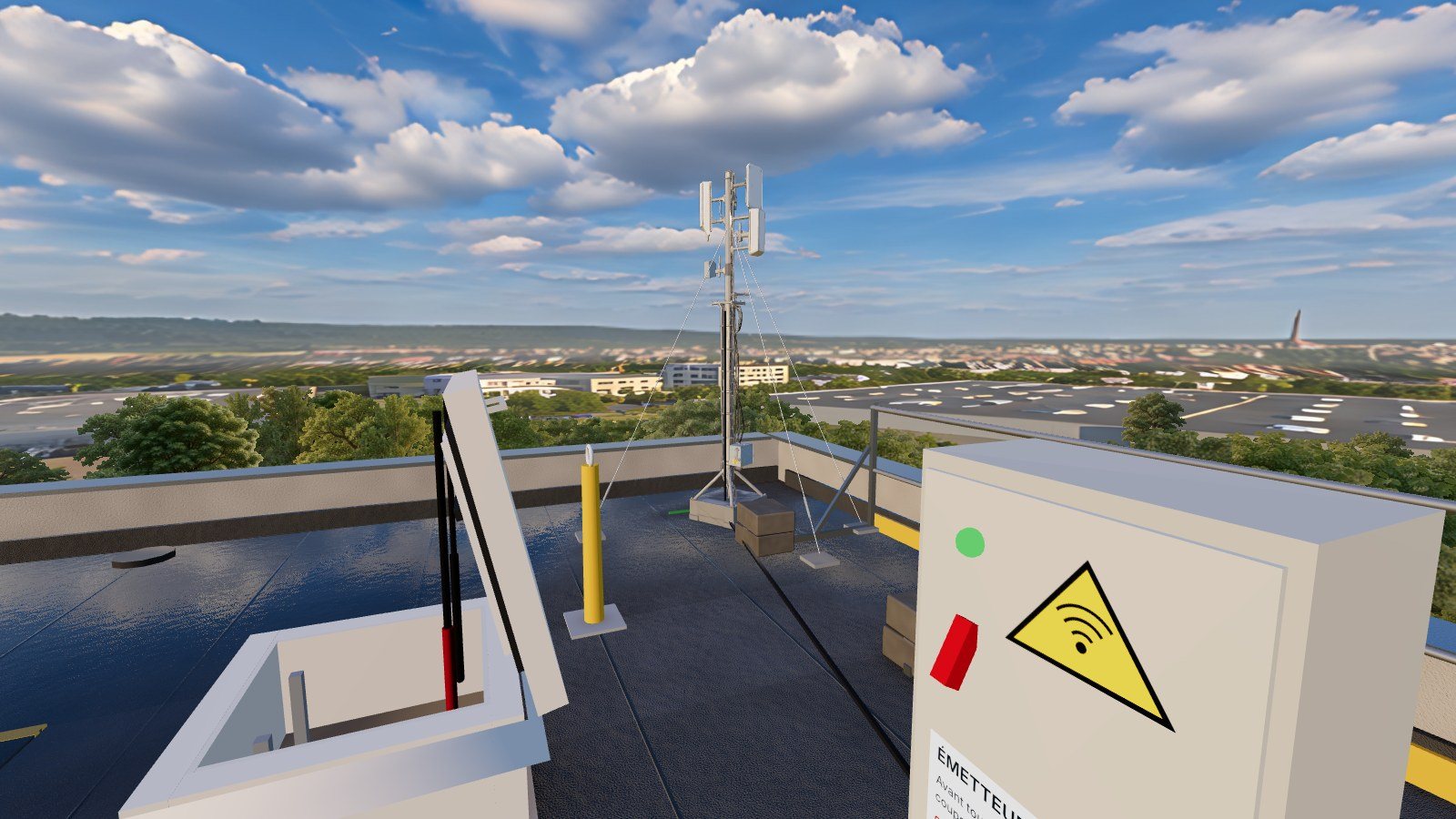
Antenna mast
Cut the emitters at the cabinet, anchor them to the mounting point, then check the connectors, the base, the coaxial cable and the ground connection.
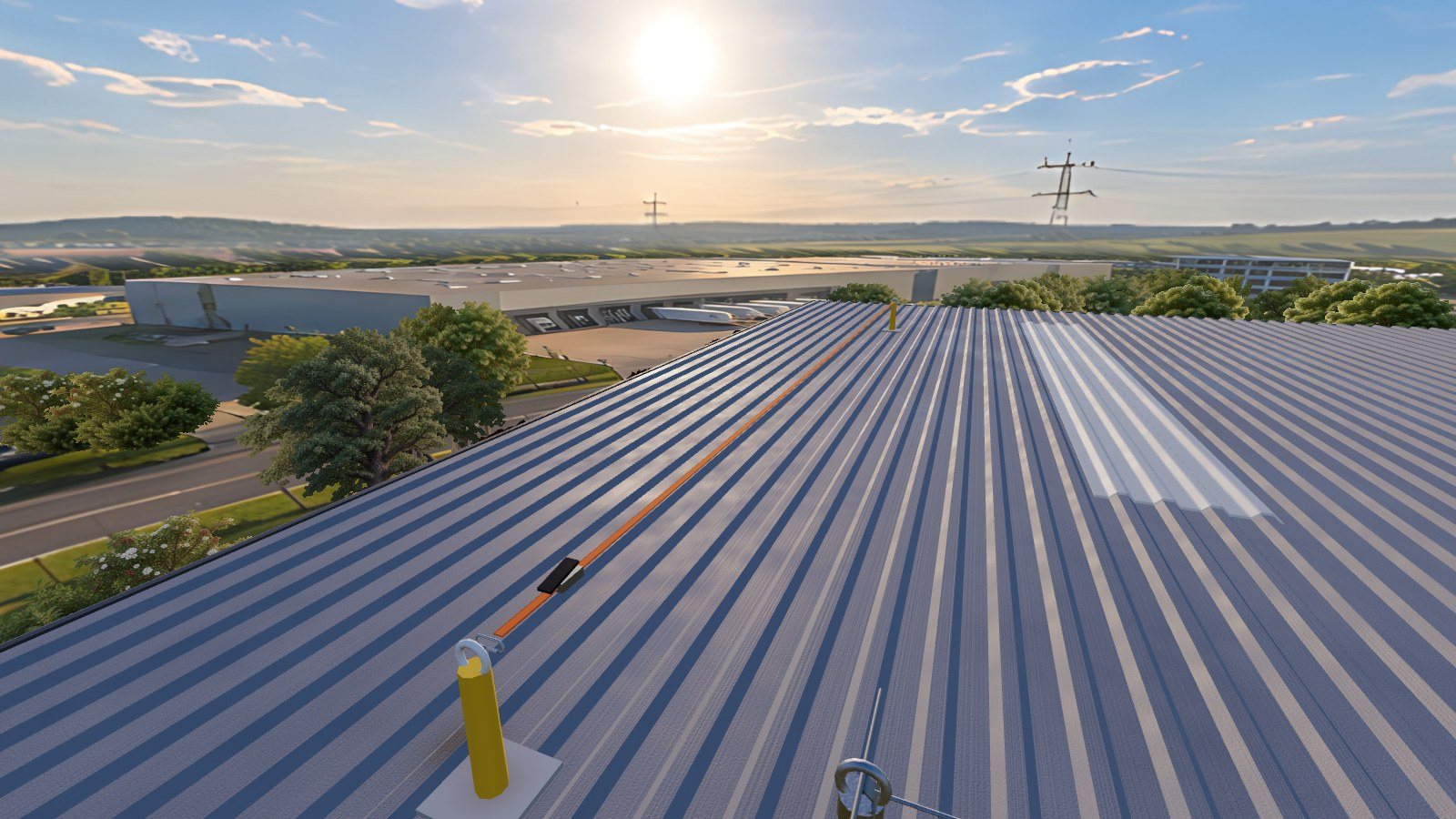
Cleaning the chimney
To place a temporary lifeline from the fixed line, transfer to it without ever being disconnected, clean it, and disassemble it.
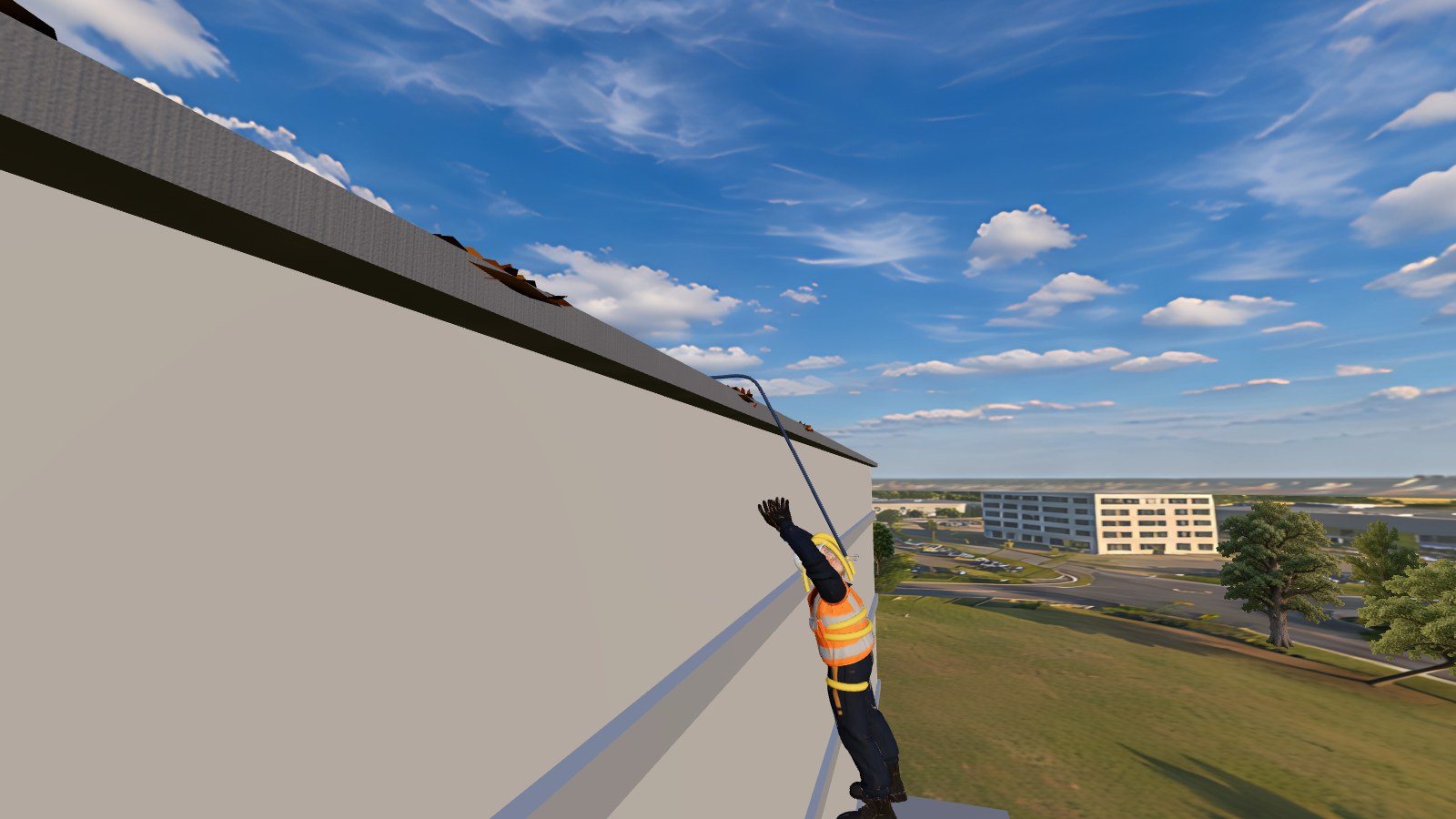
Help for a suspended colleague
Alert 112, reach the victim while remaining protected, relieve them with the harness, then evacuate them. Chronomated.
Solo or in a group
Two ways to train
The same content, only for revision or in groups under the guidance of the trainer.
Solo: free training
The intern chooses their mission and environment, and repeats it as many times as necessary.
- No account required: the center code is sufficient, stored for 30 days
- Score and stars at the end of each mission
- Ideal for revising before the assessment
In a group: several helmets, one session
The trainer opens a session; each headset joins it with a 4-digit code.
- The interns are on the same roof
- Live tracking of each helmet from the dashboard
- Results of the entire group grouped and exportable
On the trainer side
You see what your interns are doing
From a simple browser, the trainer opens the session, tracks each helmet on the roof in 3D and retrieves the results.
- One-click open session: mission, atmosphere day or night, group; 4-digit code for helmets
- Live 3D view: green attached, yellow not attached, red in exposed area
- Double-click on a trainee to see what they see
- Pause for everyone, messages displayed in the headphones, microphone of the trainer
- Results received live, session history and CSV export
- Training accounts for the entire team of the center
Evaluation
An objective assessment, ready for the debriefing
Everything is measured during the mission, without the intervention of the trainer.
- EquipmentInspection of harness, harness is compliant, helmet before boarding
- Secure accessClosure behind oneself
- Continued protectionTime exposed without connection, long-distance disconnects
- MovingSignposted paths, fragile materials, falls
- Task jobChecks carried out, order respected, diagnoses made correctly
A fall ends the mission. Three stars reward a complete intervention, in order and without exposure.
Day or night
Another reading of the danger at nightfall
The trainer chooses the atmosphere before launching the mission. At night, the trainee works under the spotlights of the construction site and with the headlamp: the emptiness, the obstacles and the puddles are perceived differently.
- Realistic roof: wet bitumen, reflections of the sky, soft shadows
- Real soil at 12 meters, trees and buildings around the site
- Optimized for standalone headsets
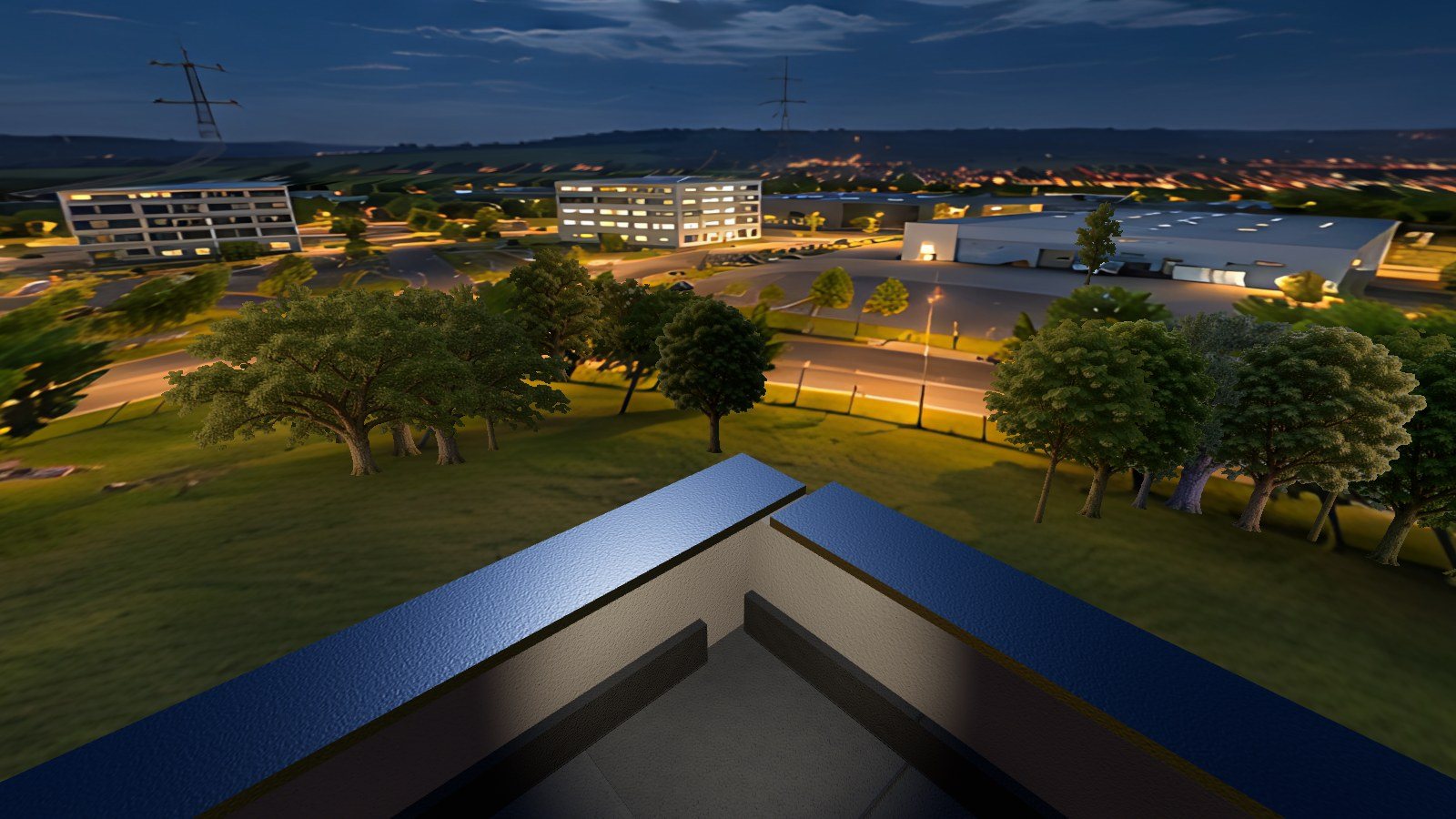
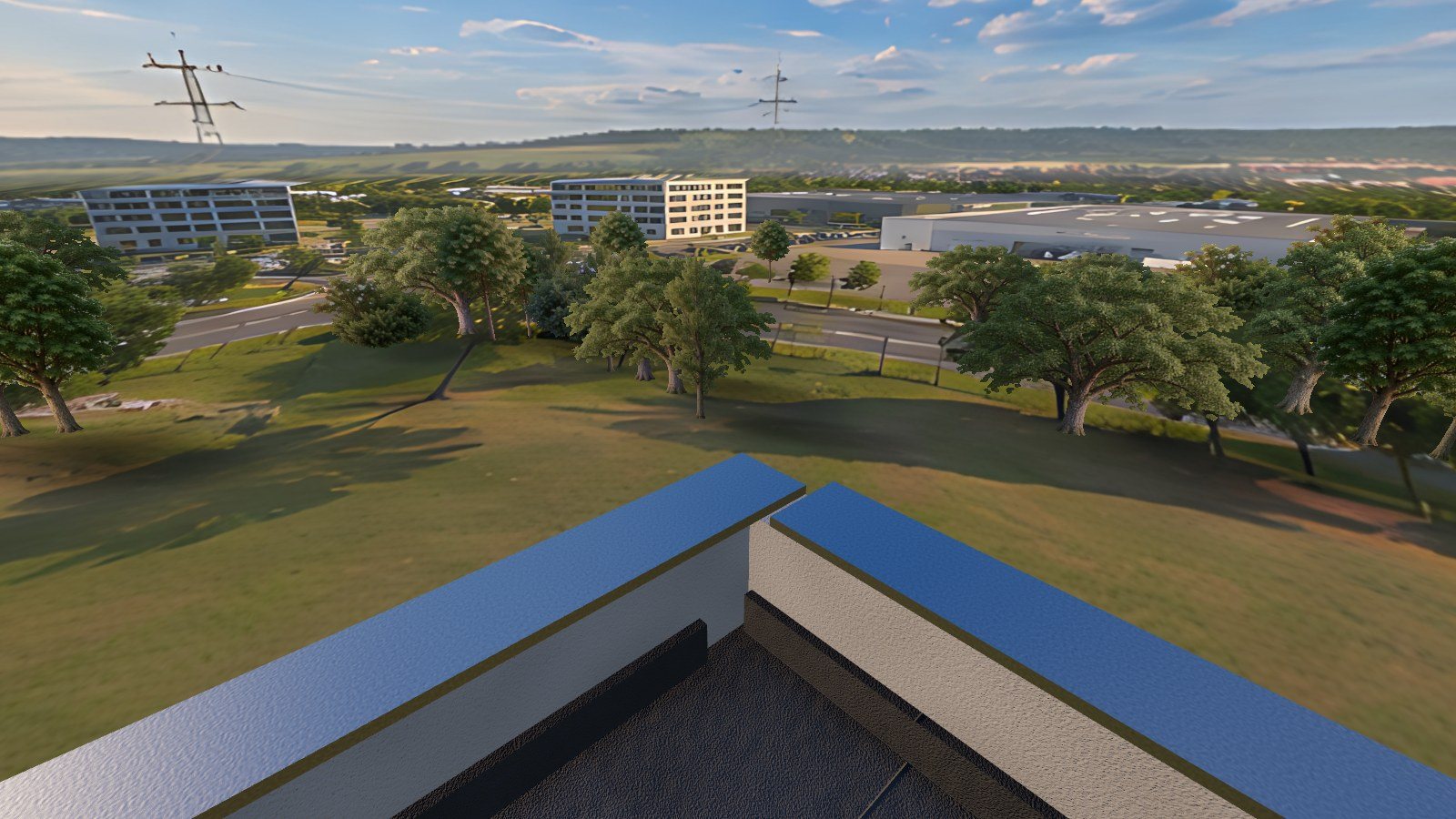 DayNight
Gallery
Altum XR in pictures
Captures taken in the application. Click to enlarge.
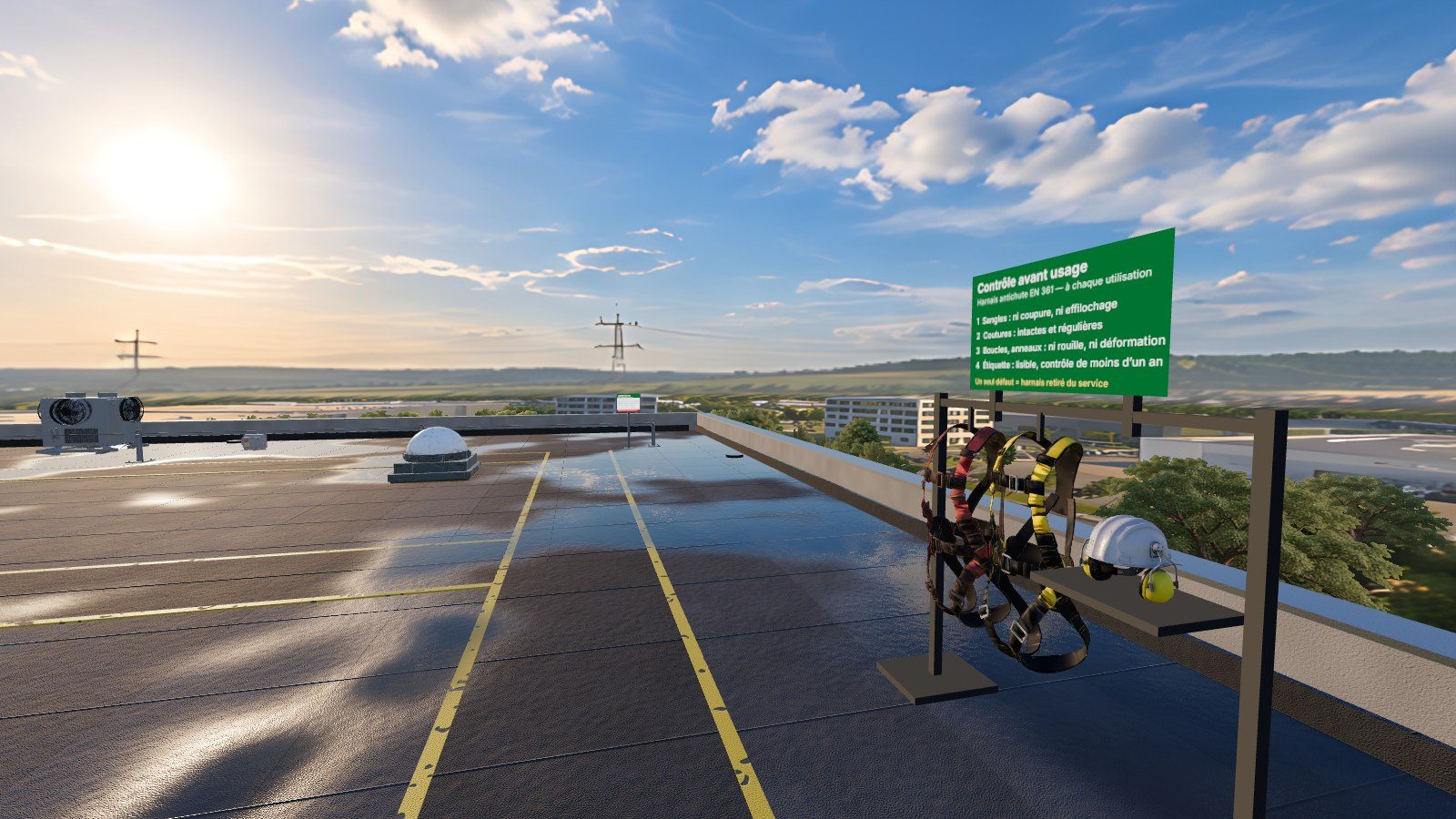 The EPI shuttle at the start of the mission
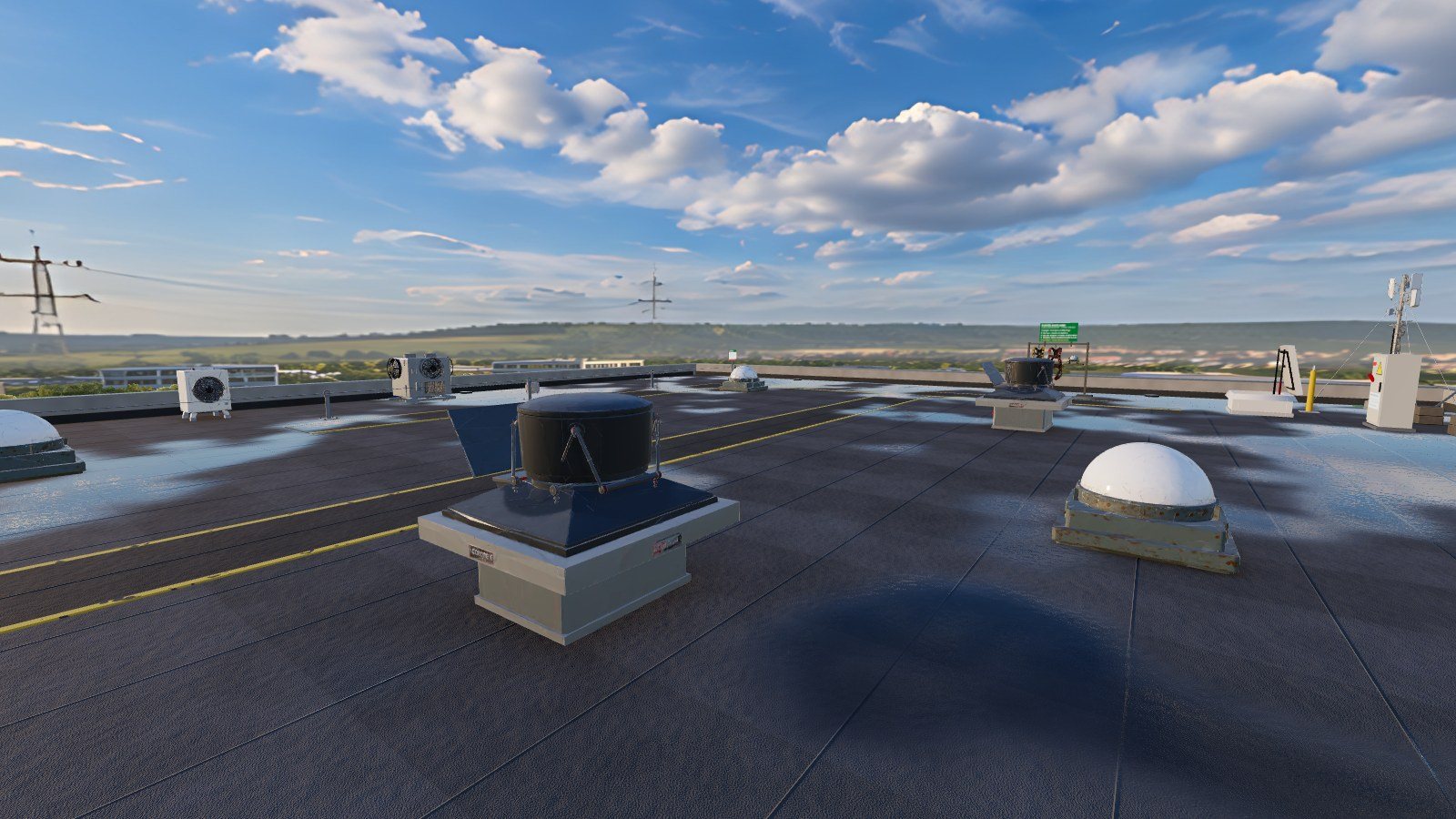 Photorealistic roofing: flues, guttering, lanternsFrom the shore: 12 meters of emptiness, a real floor belowMission 1: The climate group and its line of actionMission 2: Expiry open for inspectionMission 3: Defective item markedMission 4: antenna mast and transmitter cabinetMission 5: temporary lifeline on the east bankMission 6: suspended colleague, far away on the ridge
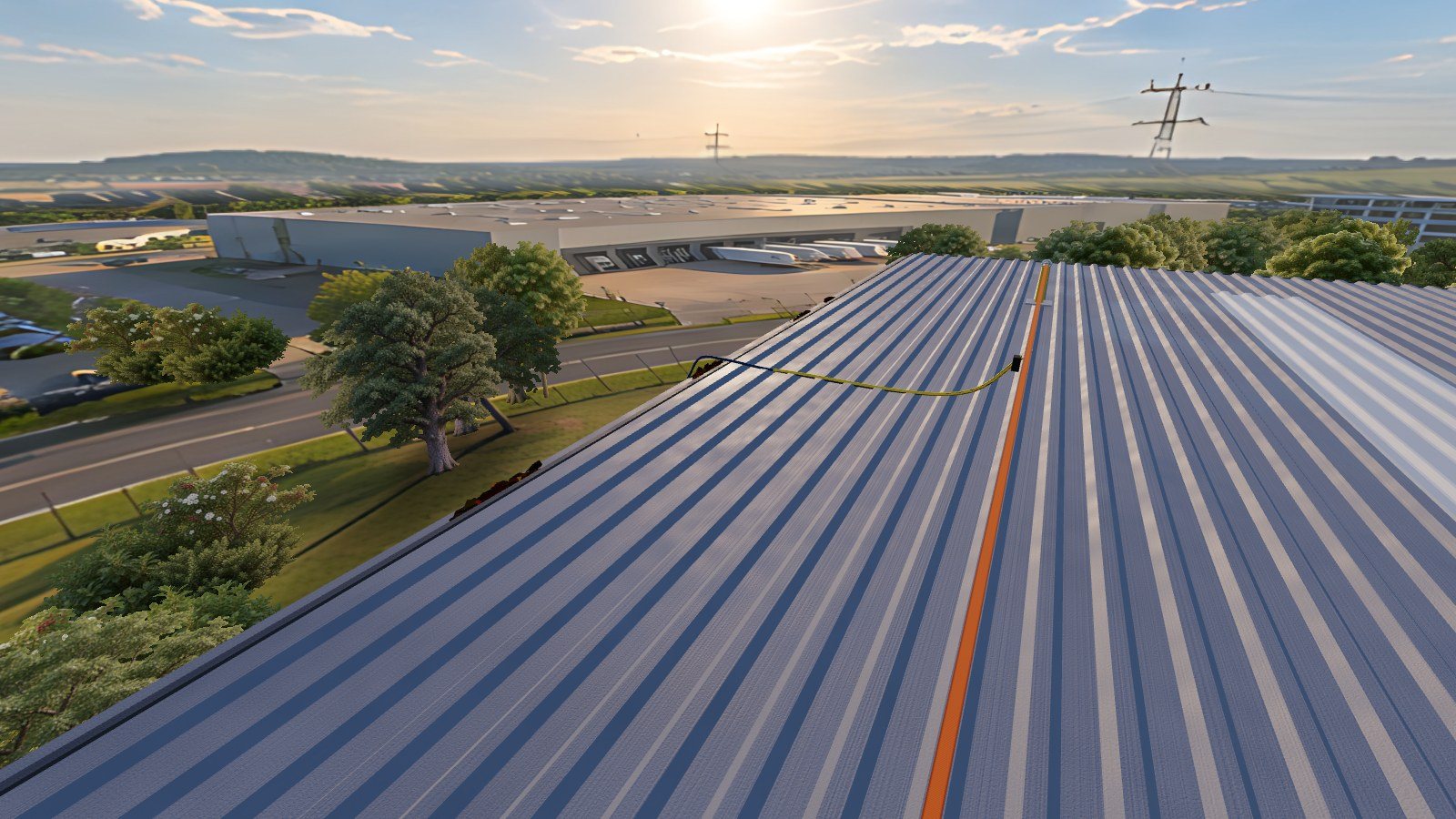 Mission 6: view of the rescuer from the line
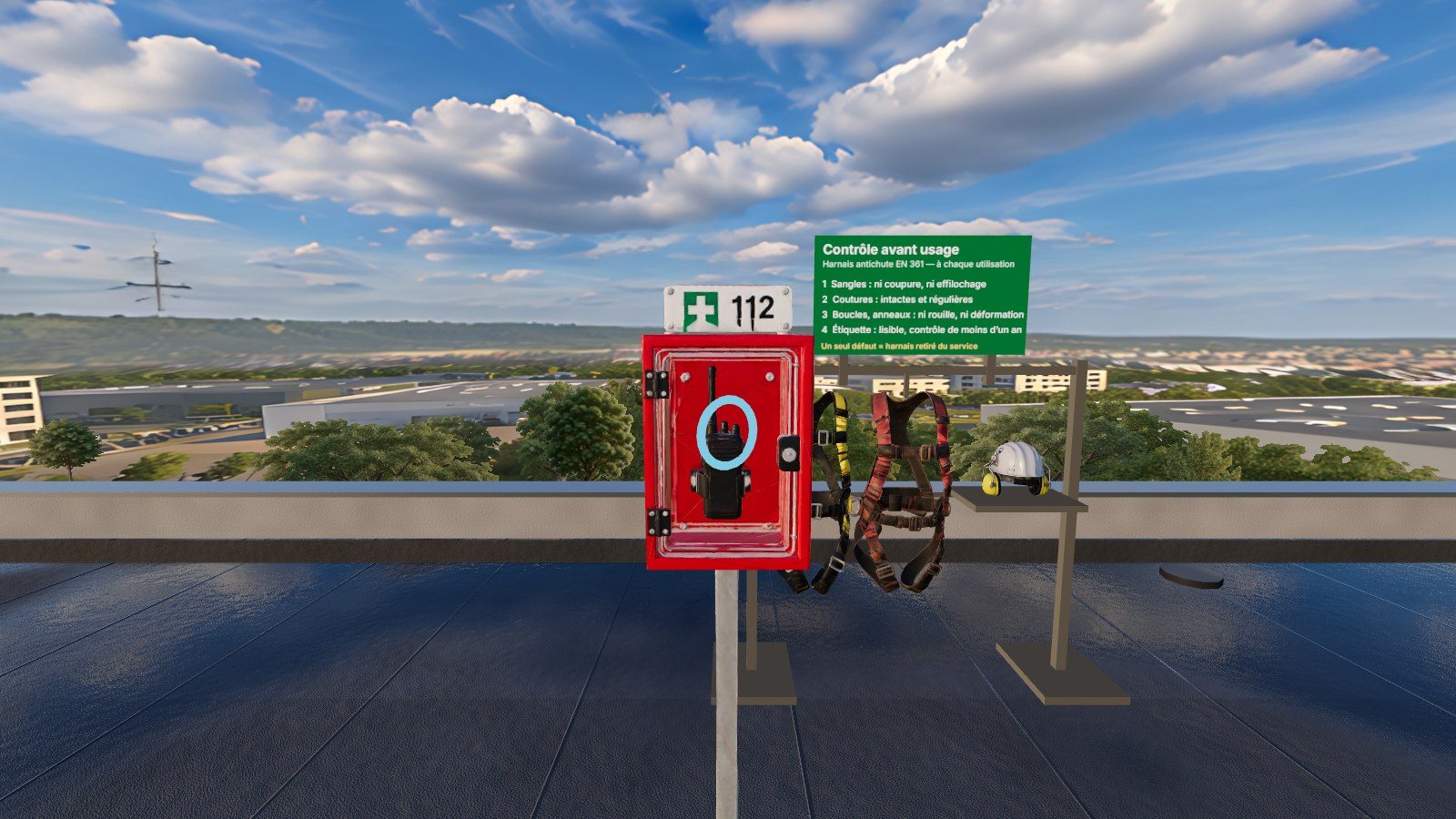 112 emergency post near the roundaboutInspection of the harness: 4 checkpointsAccess via the roof hatch, to close behind you
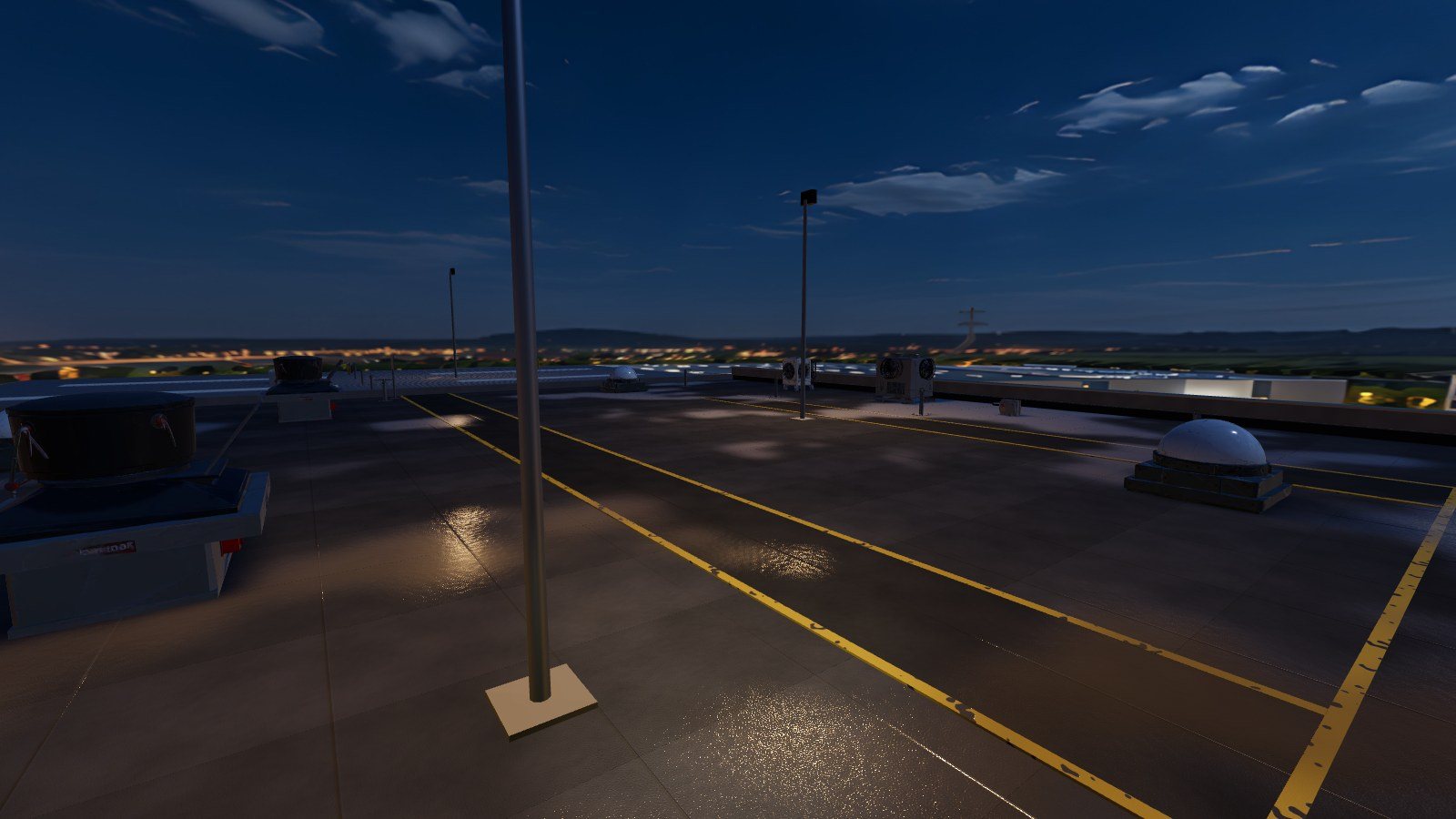 Night mission: construction spotlights
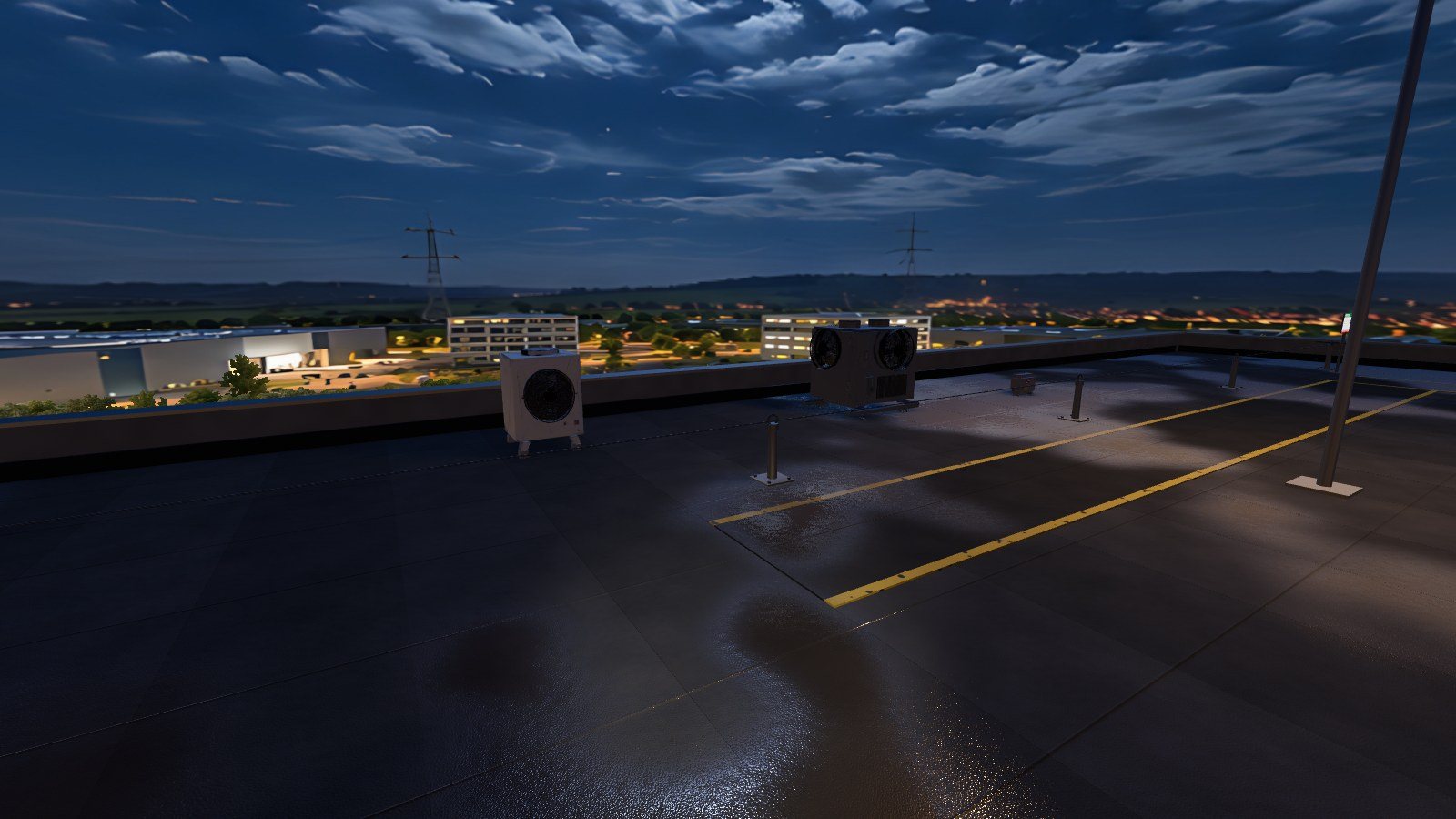 At night, the puddles reflect the sky and the spotlightsThe city illuminated from the riverbankTraining dashboard: live 3D viewMission end result: 5 scores and stars
For whom?
For all those who are training for work at height
Training centers
An active application of theory to practice on site.
QHSE Services
To raise awareness among maintenance teams before any roof work is carried out.
Maintenance companies
CVC, smoke removal, telecommunications, coverage: the actions of their technicians.
Schools and CFA
Apprentices who experience the risks before their first job site.
Frequently asked questions
Altum XR: your questions
What equipment is needed?
A Meta Quest 3 or Pico standalone headset, or a simple computer for demonstration. Altum XR works in the headset's browser: no application to install, just an internet connection is enough.
How long does a mission last?
Count a few minutes per mission and per trainee, depending on their level of proficiency. The six missions can be sequenced or chosen according to the audience.
Does Altum XR replace practical training?
No. Altum XR prepares and completes the training: the trainee repeats the procedure and sees the consequences of his mistakes before moving on to supervised practice on site.
Can we have several interns at the same time?
Yes. The trainer opens a session from their dashboard, the headsets join it with the displayed code, and each trainee appears in the 3D view with their real-time status.
What does the trainer get in the end?
A scorecard for each trainee: five scores (equipment, access, protection, movement, task), the stars, the duration and a list of errors. The results of a session are exported in CSV format.
Can it be used independently?
Yes, a «solo training» mode allows the trainee to replay a mission without a training session.
Technical sheet
Application details
- Category
- Work at height
- Usage
- Training, awareness-raising, recycling
- Contents
- 6 missions, day and night
- Technology
- Virtual reality (WebXR)
- Equipment
- Meta Quest 3, Pico, PC
- Installation
- None: helmet browser
- Styles
- Solo or in groups (multiple helmets)
- Follow-up
- Dashboard, 3D view, CSV export
- Publisher
- IMMERGENCE Studio
Prices
A formula for every use Launch offer
Launch prices, in € HT per training center. All content is included in each formula: only the duration and the number of helmets used at the same time change. The number of trainees is unlimited.
Pass 48 hours
A Safety Day, a salon, a day of safety.
350 €HT
for 5 simultaneous helmets
- No obligation
- Activated on the chosen date
- Unlimited sessions for 48 hours
30-day license
A training session, a periodic refresher course.
990 €HT
for 5 simultaneous helmets
- No obligation
- Extendable without interruption
- Unlimited sessions for 30 days
Subscription
For the centers that operate all year round.
249 €VAT / month
for 5 simultaneous helmets
- 4 times cheaper than a month at the unit
- New missions included
- 12-month commitment
12-month license
Several sites, more than 20 helmets, annual fee.
On request
The best price for the month
- Designed for your center
- Order form accepted
- Support for starting up
Helmets not included. Additional training accounts, provision of helmets and animation of your safety day: on request. Access is personal and reserved to the holder of the license.
Devis express · Safety Day
Estimate your safety day
Indicate how many people you want to attend: we calculate the recommended number of helmets. Add our helmets and an instructor if necessary, then create your quote to sign online. Price in € HT, starting rates.
Want to see Altum XR in your center?
We present the missions and the training dashboard, either in a video conference or at your premises, and build the offer tailored to your sessions.