Risk Hunter XR® · Real-time mixed-reality risk hunting

The hunt for risks in your real premises

With the Meta Quest 3 headset, your trainees walk through your office, workshop or reception area and identify the hazards that are present. For each: two questions, one feedback, and then a score at the end of the hunt.

Meta Quest 3Mixed reality4 to 8 minutes per huntHandholds or hands
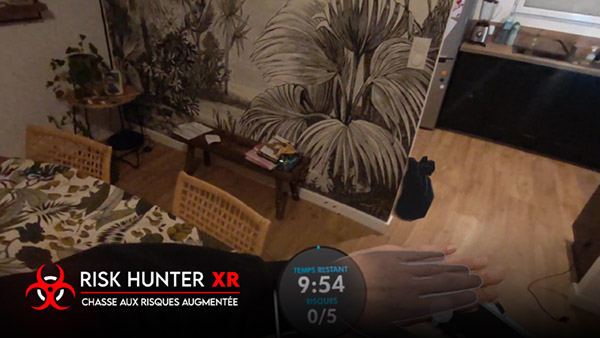
A trainee equipped with a Meta Quest 3 headset looks for risks in a real room with Risk Hunter XR

The course of a hunt

Identify, analyze, correct

The risks appear in the room where the trainee is located. He moves around, observes, and selects what he considers dangerous.

The intern explores the mixed reality piece
1

He explores the room

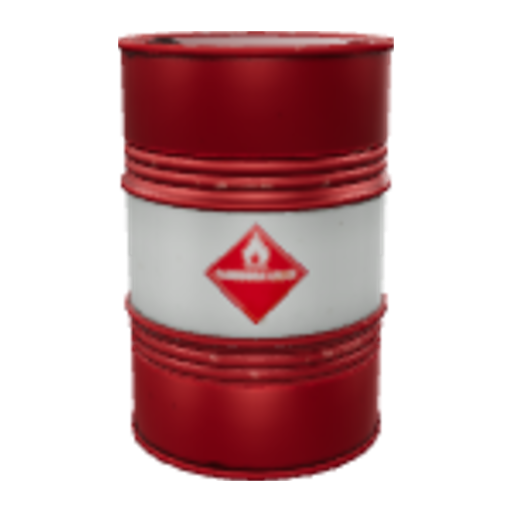
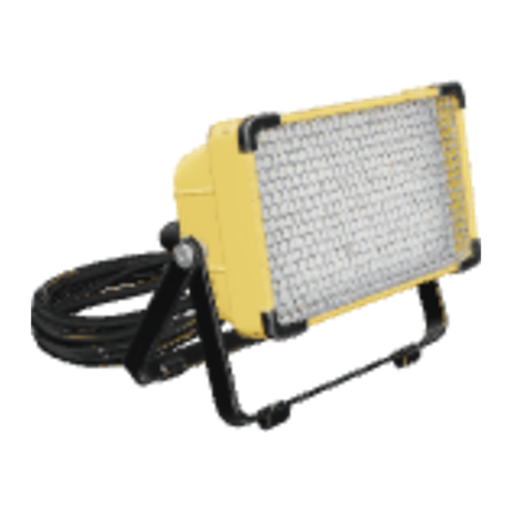
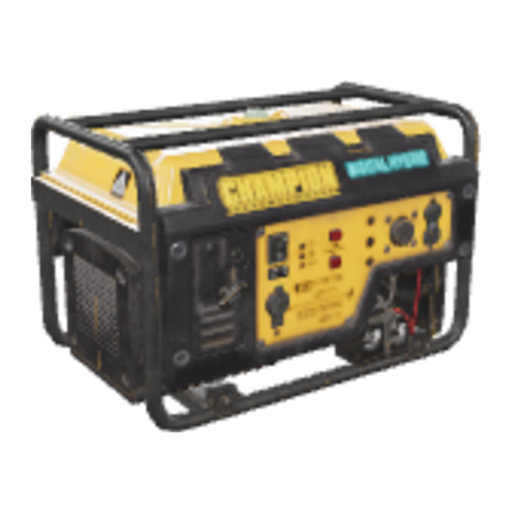
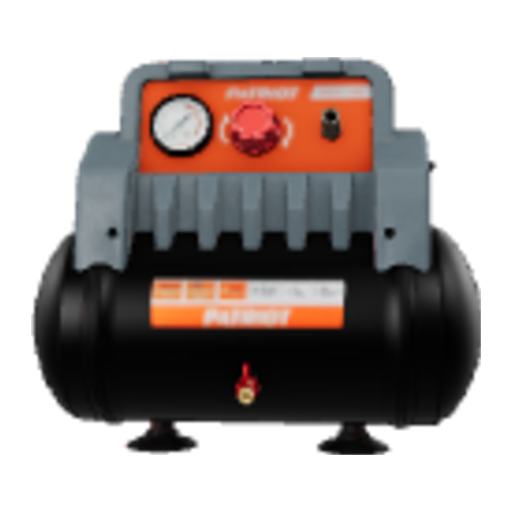
The risky objects are placed in the real room, in real size. The trainee searches for them by moving around.

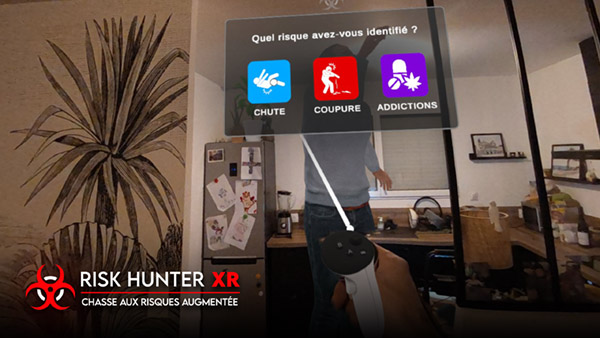
Question: What type of risk have you identified?
2

He analyzes the risk

When he finds a risk: «What type of risk have you identified?», then «What solution do you want to provide?».

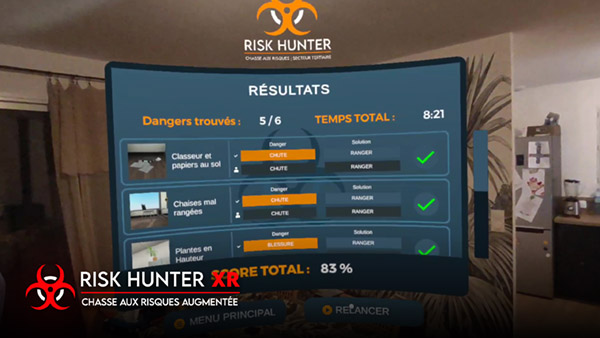
Results screen of the risk hunting exercise
3

He sees his result

Feedback after each risk, then a results screen at the end of the hunt: the perfect starting point for debriefing.

In video

Risk Hunter XR in action

New · Version 0.3

A redesigned interface for the headset

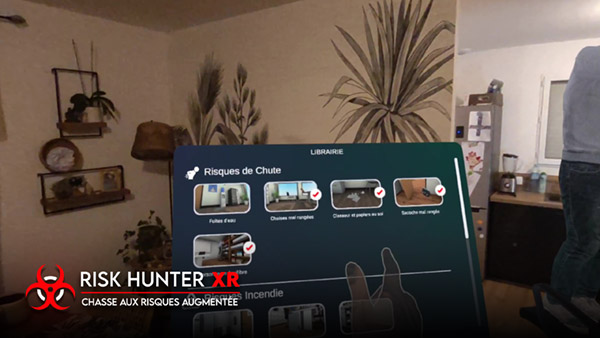
More readable in a mixed reality environment, clearer for your trainees, and identical to what the trainer prepares in the dashboard.

  • Dark and contrasting interface, readable in any room
  • One pictogram and one color per type of risk, the same in the helmet and in the dashboard
  • Answers displayed in full, voice feedback and object vignette
  • Detailed results by risk to launch the debriefing
Tertiary risk hunting included in Risk Hunter XR

Ready to work

The tertiary risk hunting, included

From the moment you install it, the application contains the objects of an office environment risk hunting exercise. You place it in your room and launch it.

  • Several risk models already present
  • Placing objects in your own room
  • Questions, feedback and integrated results
  • Ideal for awareness raising, security reception or a prevention week

New · Dashboard Risk Hunter XR

Customize your hunts with your own objects

Import the objects from your site, describe the risk each represents, and your trainees practice on their real environment.

  • Import your 3D objects (.glb), in real size
  • 12 types of risks, 2 questions and one feedback per object
  • Voice of the generated, recorded or imported feedback
  • AI assistant to propose risks and questions
  • Free trial with 5 items

Overview of the Risk Hunter XR dashboard (example of objects).

For whom?

A risk assessment for every situation

All sectors: tertiary sector, industry, logistics, public establishments.

Trainers

An active situation simulation for your risk prevention sessions.

QHSE managers

Risks specific to your site, for awareness that speaks to your teams.

Security welcome

The newcomers discover the risks of their future position.

Events

Safety Week, Safety Day, exhibition: an event that attracts and leaves a mark.

Prices

One-time license or Pro subscription

A license for a session or event, or the Pro subscription to customize your hunting throughout the year.

Specialized licenses

Tertiary hunting included and trial of personalization (5 items)

24-hour license49 € HT
48-hour license69 € HT
7-day license119 € HT
30-day license259 € HT

Activation code sent by email. 12-month or perpetual license: on request.

Personalization included

Subscription Risk Hunter XR Pro

Application license and customization dashboard

259 €HT / month, no commitment

or 2,590 € HT / year : 2 months free

  • Tertiary hunting included
  • 100 personalized objects, 300 MB
  • AI assistant and voice of feedback

Meta Quest 3 headset not included. Download Risk Hunter XR on the Meta Store · Online order voucher

Frequently asked questions

Risk Hunter XR: your questions

What helmet do I need?

Risk Hunter XR works on Meta Quest 3, in a mixed reality mode: the trainee sees the real object and the risk objects placed on it. The app is downloaded from the Meta Store and activated using your license code.

How long does a hunt take?

Expect 4 to 8 minutes per trainee, depending on the number of risks placed in the room.

Do we need a dedicated room?

No. The hunt takes place in your own premises: your office, meeting room, workshop or reception area. The objects are placed there in real size.

What does the application contain without customization?

A comprehensive tertiary risk assessment, with several risk models already present, their questions and their feedback.

Can I add the risks of my own site?

Yes, with the Risk Hunter XR dashboard: a free trial with 5 items, then a subscription to Risk Hunter XR Pro to go up to 100 items.

How do I receive my license?

After payment, your activation code arrives by email. Enter it in the app to activate it.

Technical sheet

Application details

Category
Risk prevention
Usage
Awareness raising, training, and retraining
Industries
Tertiary sector, industry, all sectors
Duration
4 to 8 minutes
Interaction
Hand controls and monitoring
Technology
Mixed reality
Headset
Meta Quest 3
Outtake
April 2024
Publisher
IMMERGENCE Studio

Want to try Risk Hunter XR?

A 24-hour license is enough to try out risk hunting in your premises. For a larger project, let's talk about it.