Monthly
No commitment required, for a campaign or a project
259 €VAT / month
- Risk Hunter XR license, tertiary hunting included
- Dashboard: 100 objects, 300 MB
- AI assistant and voice of feedback
- Stop when you want to


Risk Hunter XR · Dashboard customization
Import your 3D objects, describe the risk each represents, then place them in your real premises with the headset. Your trainees are looking for the risks of your site, not those of a generic set.
Each imported object describes the risk it represents.
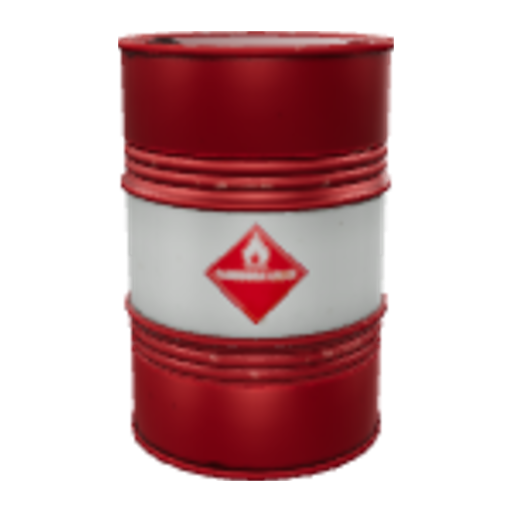
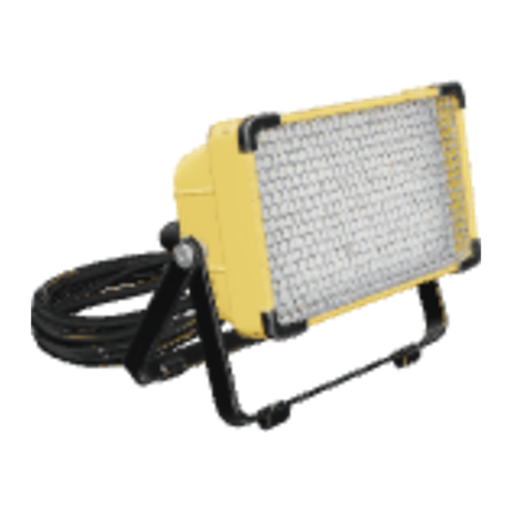
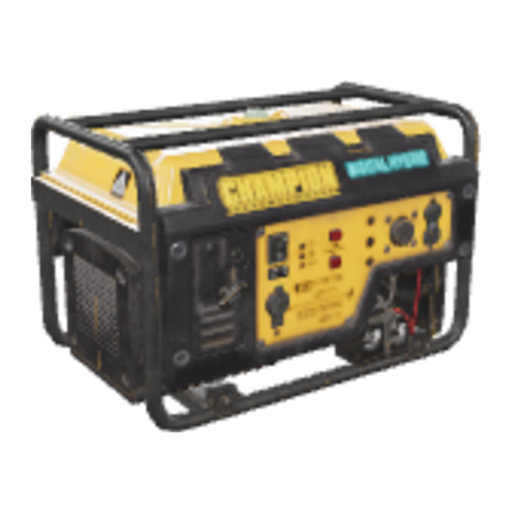
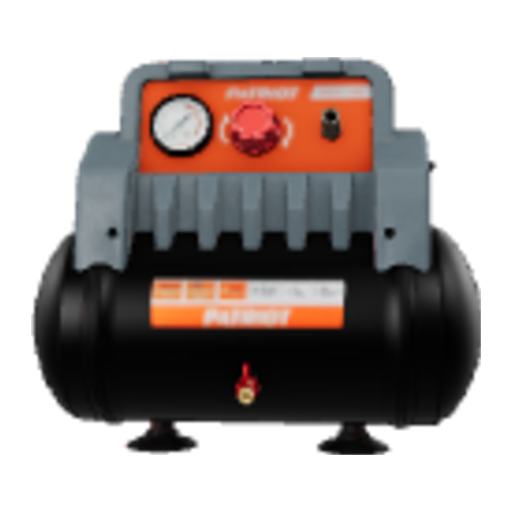
Overview of the Risk Hunter XR dashboard (example of objects).
How it works
The dashboard can be found on pro-xr.com. The hunting then takes place in the helmet, directly in the room where it will be played.
One .glb file per object: trash can, cable, projector, cardboard, ladder… Specify its actual size and placement: on the floor, on the ceiling, on the wall or free-standing. The 3D preview shows the object next to a one-meter marker.
For each object: the type of risk, the title displayed when it is found, 2 questions and a feedback. An object can also be a simple decorative element.
In the creation mode in the helmet, place your objects in the real room. Start the hunt: every found object triggers its questions and its feedback.
The risk of each object
You keep an eye on what the learner sees and hears when they find a risk.
Features
A simple tool designed for trainers and prevention managers.
Up to 25 MB and 200,000 triangles per object, textures included.
The object appears in the room exactly to the size indicated.
On the floor, on the ceiling, on the wall or free-hanging: the hook point follows the correct side of the object.
Importantly, textures are automatically reduced for faster loading.
Each object has its own badge, displayed on the headset's tablet.
Generated, recorded via microphone or imported (MP3, WAV, OGG).
Risk propositions, questions and feedback that you validate.
A 6-digit code is enough to connect a helmet. Revocable at any time.
Trial or subscription
The experiment allows you to create a first hunt using your own objects.
| Free trial | Pro subscription | |
|---|---|---|
| Imported 3D objects | 5 | 100 |
| Storage space | — | 300 MB |
| Risk, questions and feedback | ✓ | ✓ |
| Voices of feedback | ✓ | ✓ |
| AI Assistant | ✓ | ✓ |
| License of the application Risk Hunter XR | Apart from the license | Included |
Your items remain recorded and playable in the headset. To import new ones or modify them, you simply need to subscribe again.
The offer
The application license and the customization dashboard, combined in a single subscription.
No commitment required, for a campaign or a project
259 €VAT / month
To integrate risk hunting into your training activities throughout the year
2 590 €HT / year
Or 215,83 € HT per month, Instead of 3,108 € HT per month.
Meta Quest 3 headset not included. Need a purchase order or multiple subscriptions? Request a quote.
Frequently asked questions
From Blender (File > Export > glTF 2.0, .glb format), from a 3D model library, or from any software that exports to binary glTF. The file must contain its textures and not use Draco, Meshopt, or KTX2 compression.
No. The trial is limited to 5 imported items: enough to make a first hunt with your own items and test it in your own premises.
Your items remain recorded and playable in the headset. The import of new items and their modification are blocked beyond 5 items, until your re-subscription.
No. All you need is a .glb file per object. The dashboard checks the file, reduces its textures, displays the object at its actual size, and automatically takes its thumbnail.
Yes. The items from the tertiary risk hunting application are included in the application. Your own items can be added to it.
In the dashboard, under the «Headsets» tab, generate a 6-digit code and enter it in the application. You can remove a headset at any time.
Start with 5 free items, or go straight to the Risk Hunter XR Pro subscription.