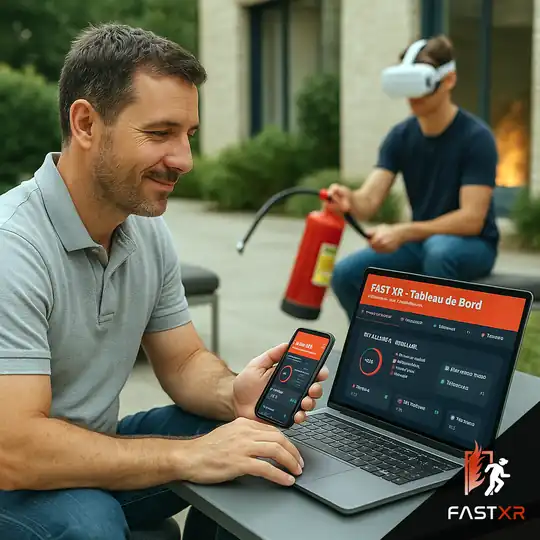
The FAST XR dashboard is your online training space. Each module created in the headset automatically records it: score, time, gestures performed, errors. You can track your trainees and your client companies, then edit your PDF reports and certificates with a single click.
How it works
The helmet and the dashboard are linked to your account. You prepare the session on the dashboard, the trainee trains in the helmet, and the results come back automatically.
Generate a 6-digit connection code in the dashboard and enter it in FAST XR: the headset is linked to your account.
In the helmet, select the company and the trainee. They were created in advance in the dashboard, or imported in CSV format.
Situational training, multi-fire course, choice of extinguisher, course or quiz depending on your license.
At the end of the module, scores, time and actions are sent to the dashboard. The trainee’s history is updated.
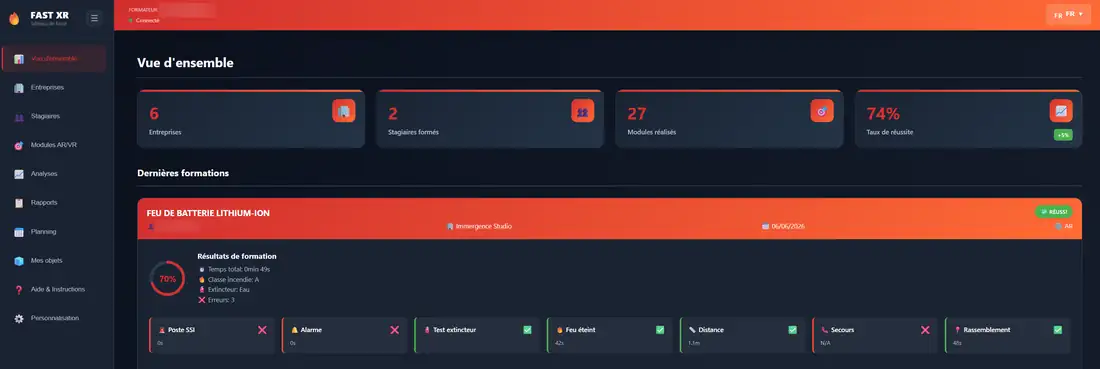
Overview
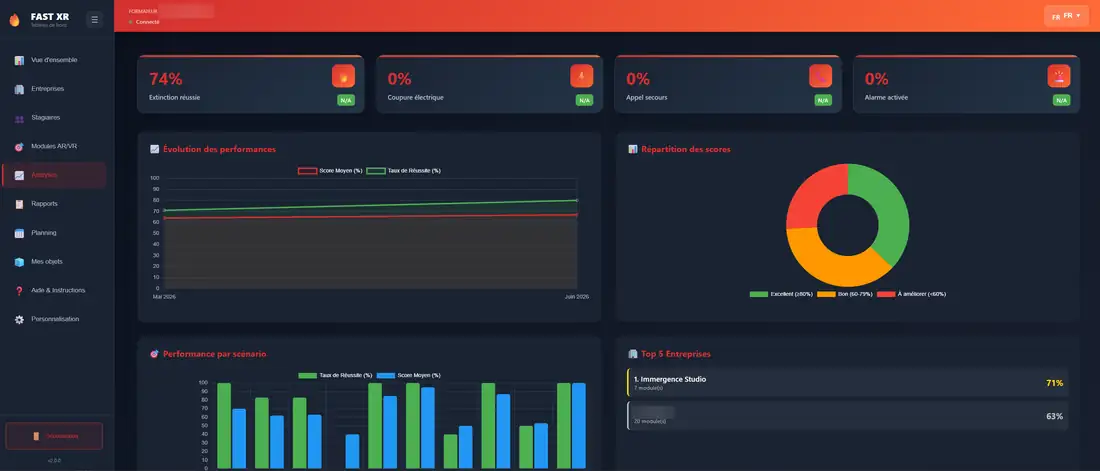
Number of companies, trainees trained, modules completed, success rates, and details of the latest training courses from the very start.
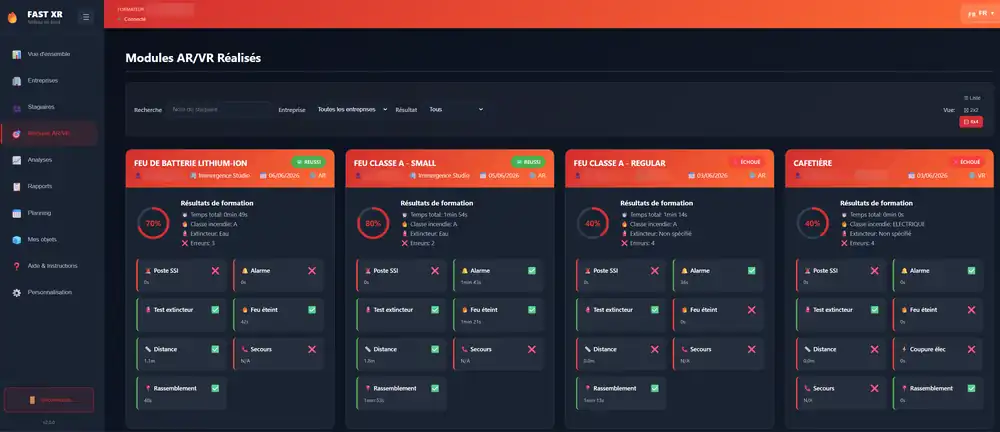
What you see after each passage
For each module, the dashboard details what the trainee has done and the time they have spent on it. This allows for a precise summary and identification of what needs to be revised.
Analyses
Success rate of extinction, power outage, emergency call, alarm activated, performance evolution over time, distribution of scores, performance by scenario and ranking of your customer companies.
In theaters
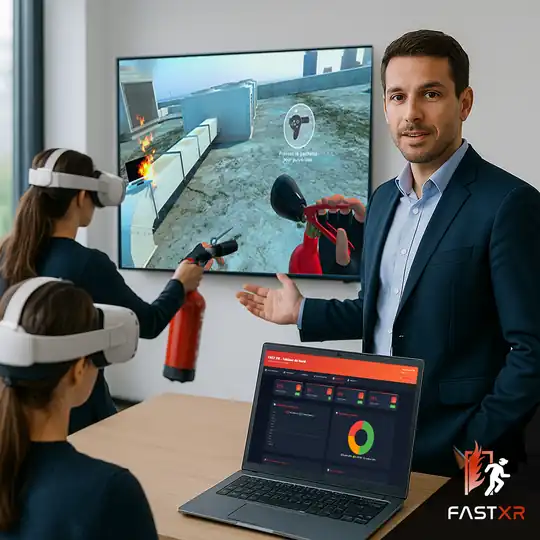
While the group is training, you keep track of the results that are occurring. After the session, you show the trainee what he did well, what he forgot, and the time he spent.
Features
Designed for trainers and training organizations that train several client companies.
One sheet per client company and per trainee, with their training history and progress. Import of trainees by CSV file.
Plan your sessions: date, time, duration, company, location, participants, and notes.
Your logo and the contact details of your organization on the PDF documents. Your logo is also displayed in the FAST XR application during the training.
Individual reports, company reports and certificates, ready to be submitted to your clients.
French, English, German, Spanish, Dutch, Italian, Portuguese and Luxembourgish.
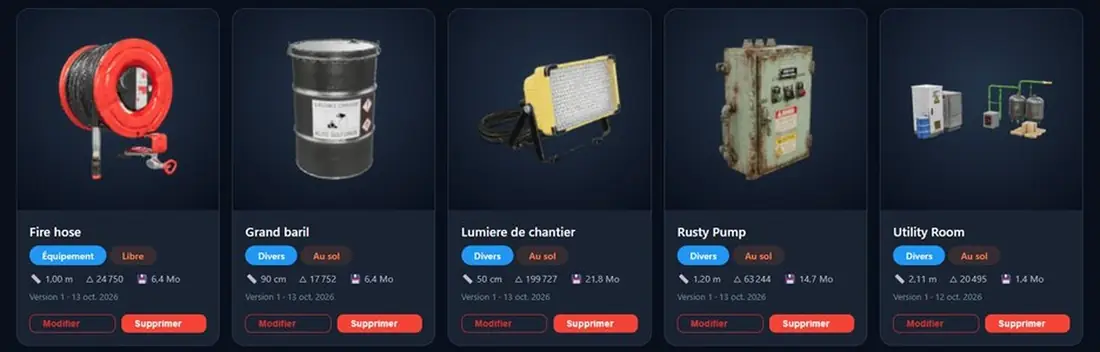
Import your own 3D models in GLB format and place them in your mixed reality scenarios. Discover
Yes, the dashboard is included in the FAST XR subscriptions and packs, in both the AR Edition and the Pro Edition. You connect with the credentials of your training account.
Generate a 6-digit pairing code in the Help section of the dashboard, then enter it in the FAST XR app. The headset is then linked to your account.
Yes. At the end of each module, the score, times, actions performed, and errors are sent to the dashboard and added to the trainee’s history.
Yes. Download the CSV template from the dashboard, fill it out in Excel, then import it: the interns are attached to their company.
During the video demo, ask us to show you the trainees’ progress reports, analyses and PDF reports.
Also discover: FAST XR · the script editor · the subscriptions